
Ubiquiti UniFi Buyer's Guide: Build a Complete Network and Camera System
Key takeaways
- Every UniFi network starts with a Cloud Gateway (UCG/UDM) — it routes traffic and runs the controller that manages everything else.
- The new Wi-Fi 7 U7 access points are the best long-term choice for new wireless deployments.
- UniFi Protect turns the same ecosystem into a full camera/NVR system with no per-camera license fees.
- The UTR travel router extends a managed UniFi network to remote workers and pop-up sites.
UniFi is Ubiquiti's integrated platform for routing, switching, Wi-Fi, and video surveillance, all managed from a single controller. The appeal for businesses is a consistent interface, no recurring software licenses, and hardware that scales from a single closet to multi-building campuses. This guide walks the ecosystem in the order you should actually buy it.
1. Start with a Cloud Gateway (the brain)
The gateway is the router, firewall, and controller host in one. Compact models like the UCG-Ultra suit small offices; the UDM-Pro and UDM-SE add rack mounting, 10G uplinks, and the UniFi Protect recording engine for camera systems.
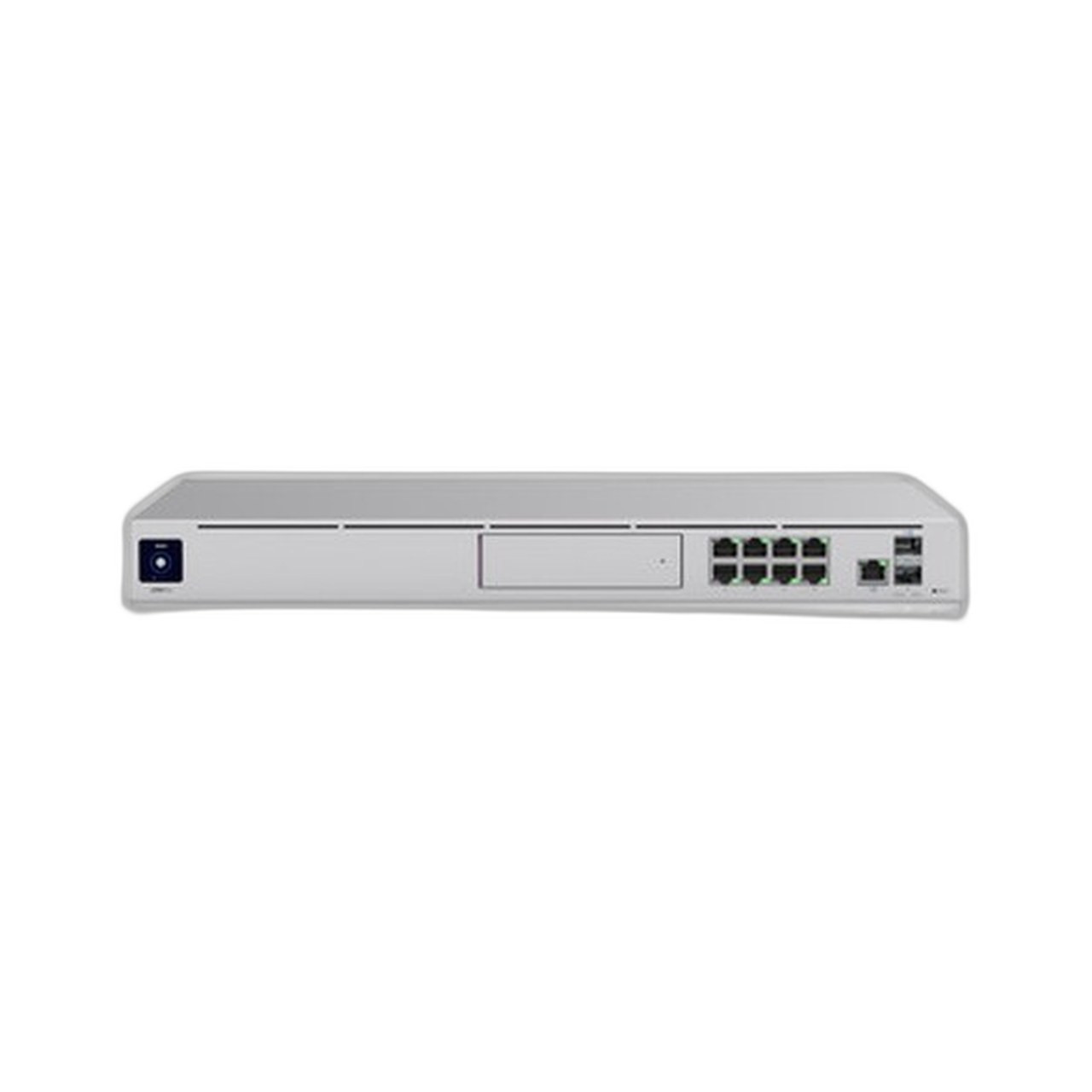
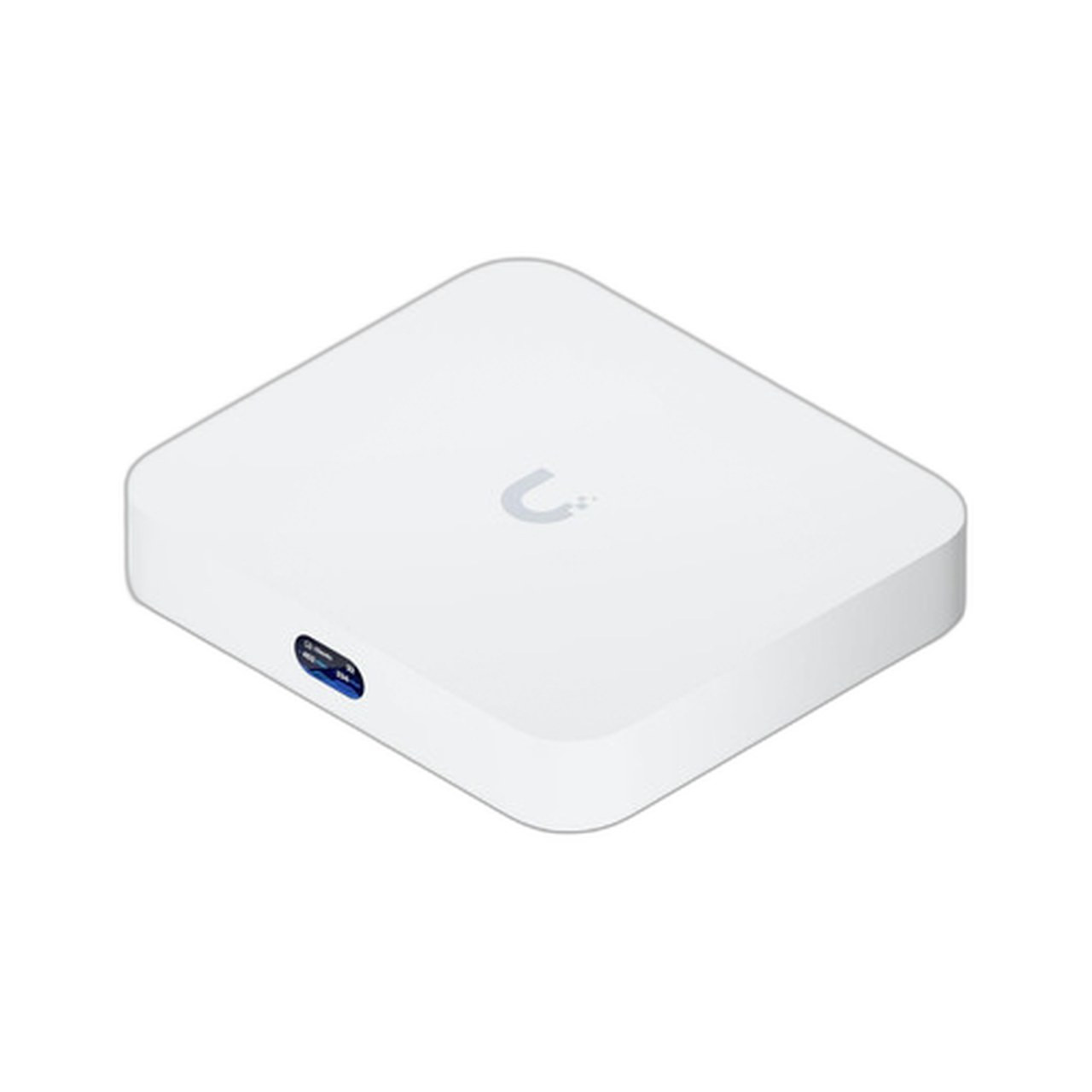
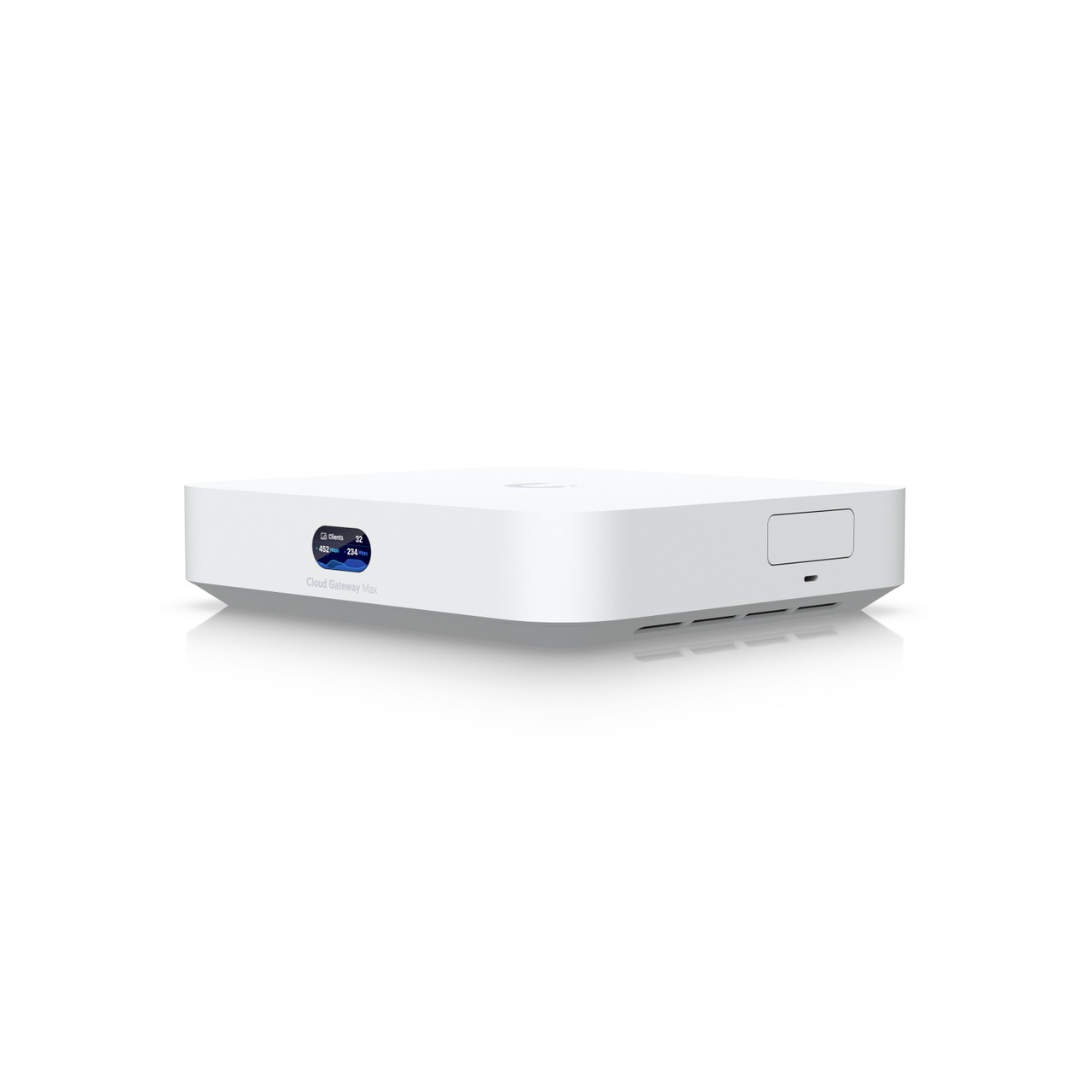
2. Add Wi-Fi 7 Access Points
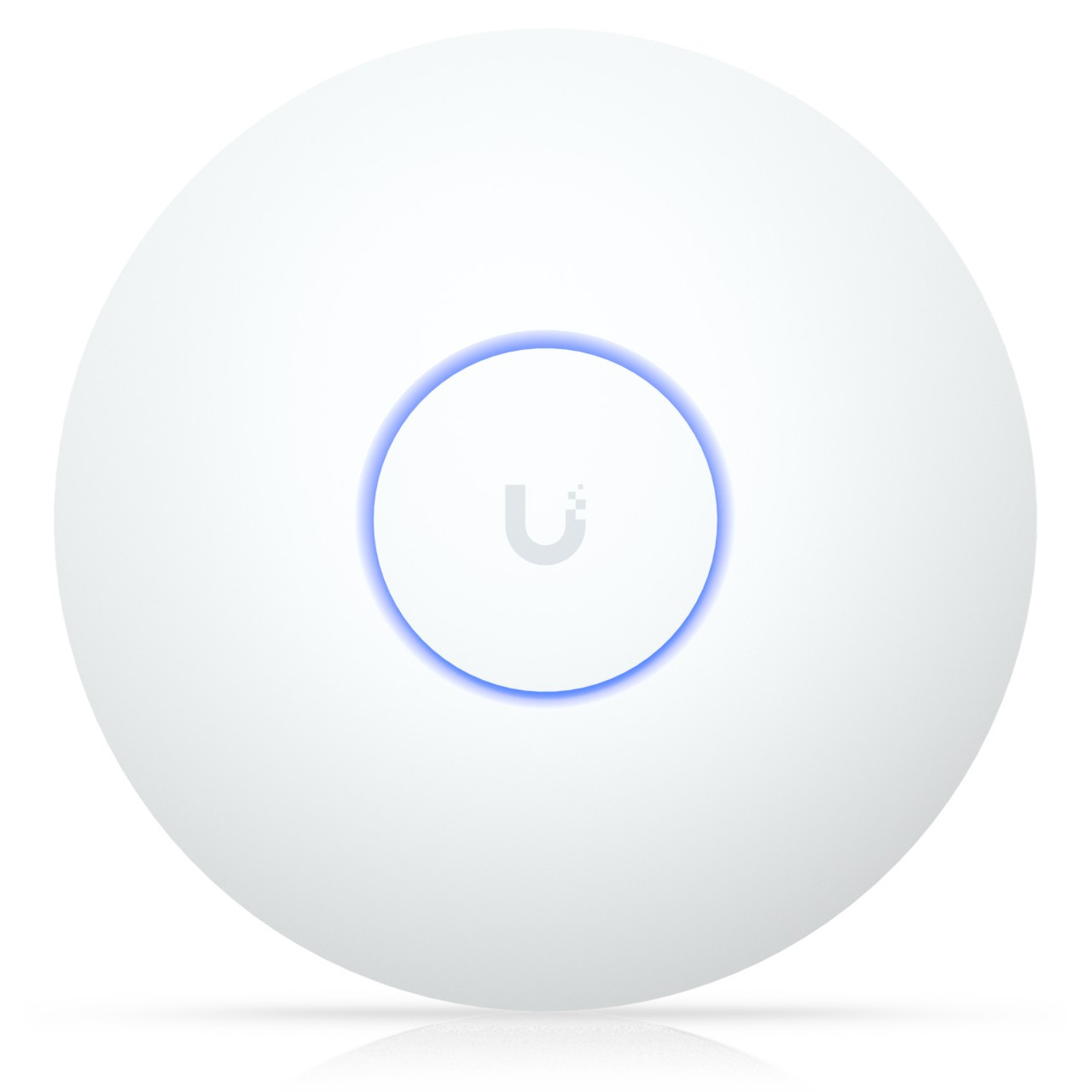
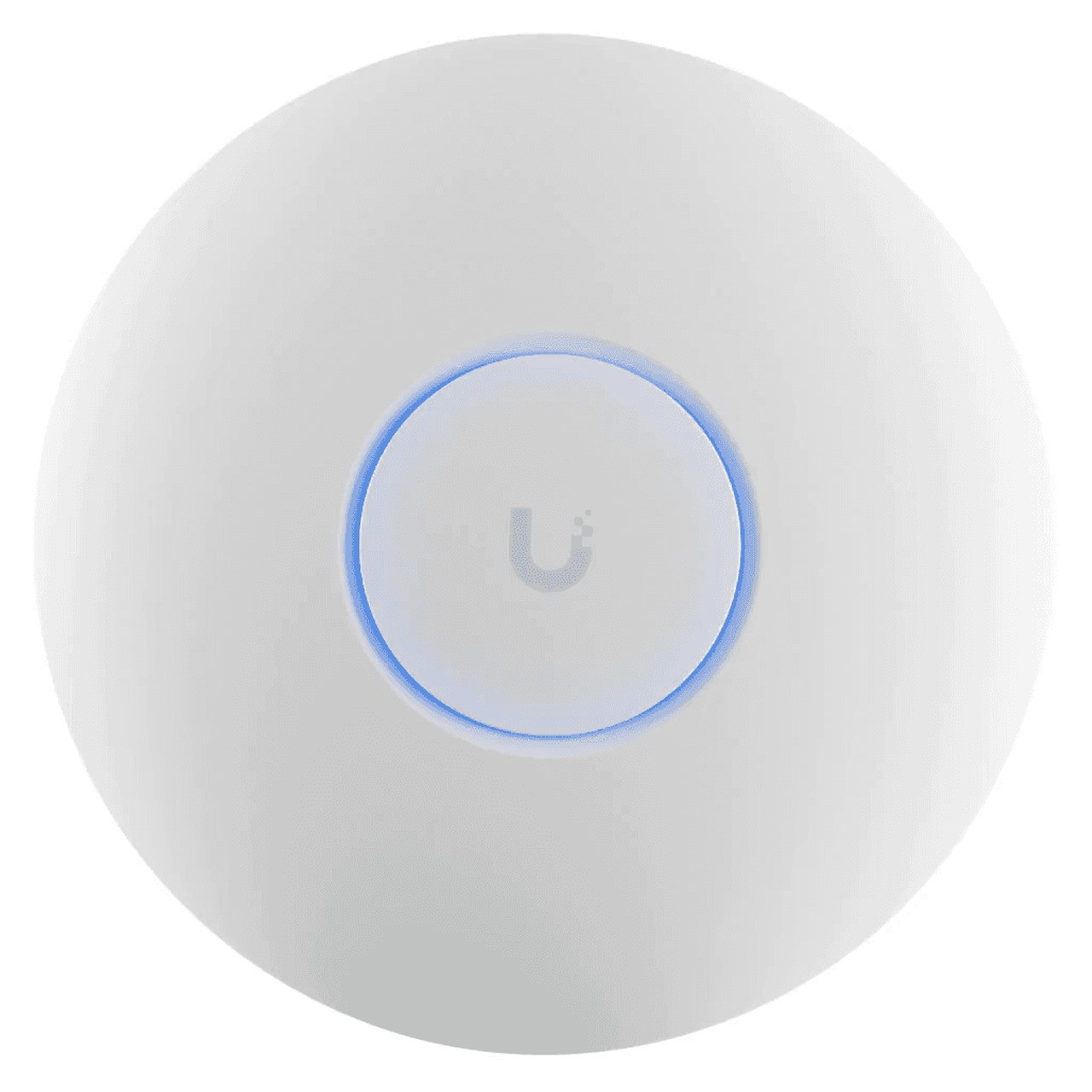
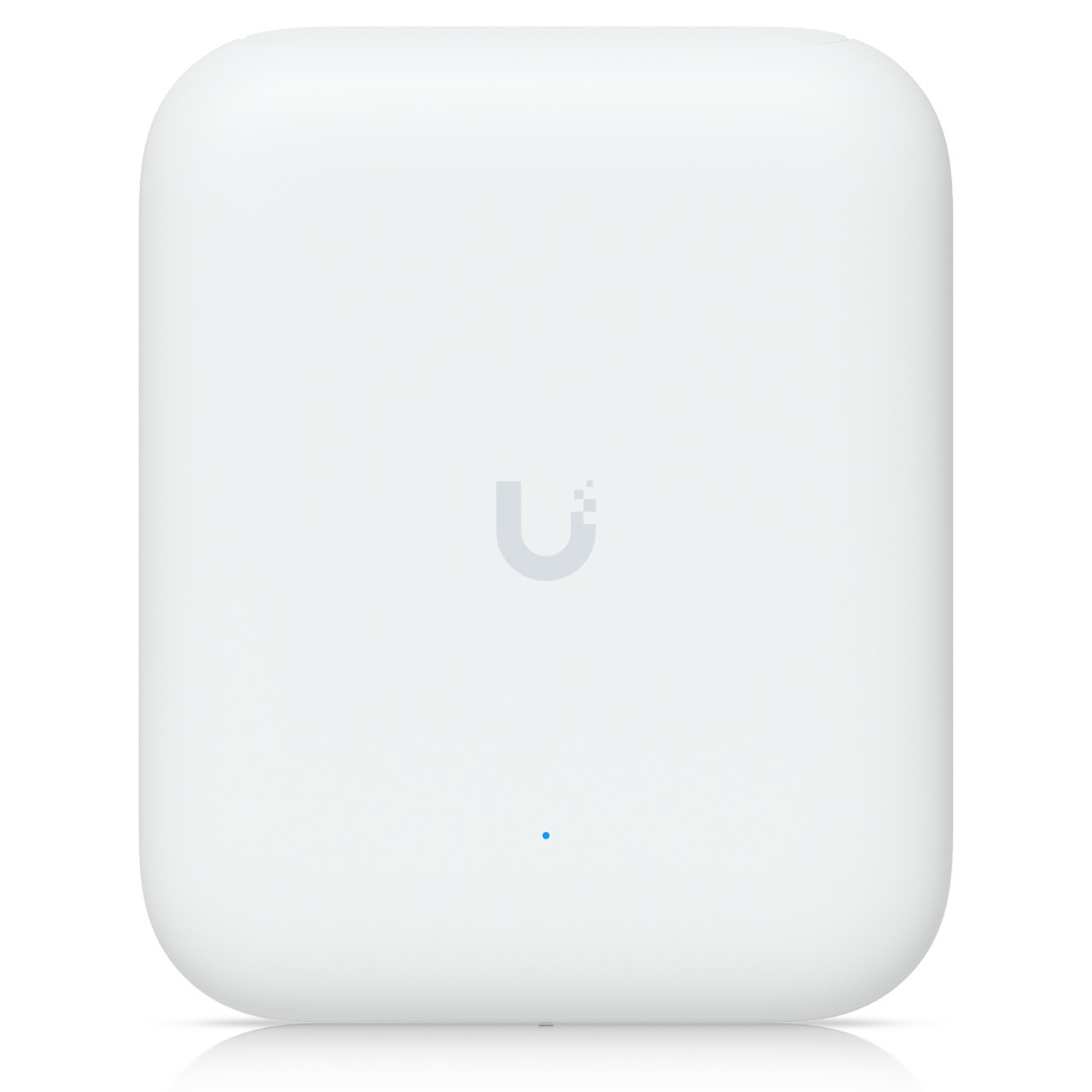
Access points handle the wireless. The U7 series brings Wi-Fi 7 — wider channels and lower latency — across ceiling, wall, and all-weather outdoor form factors. Mix models to match coverage and density; see the PoE planning resources below to size your switch power budget.

3. Power and connect with PoE Switches
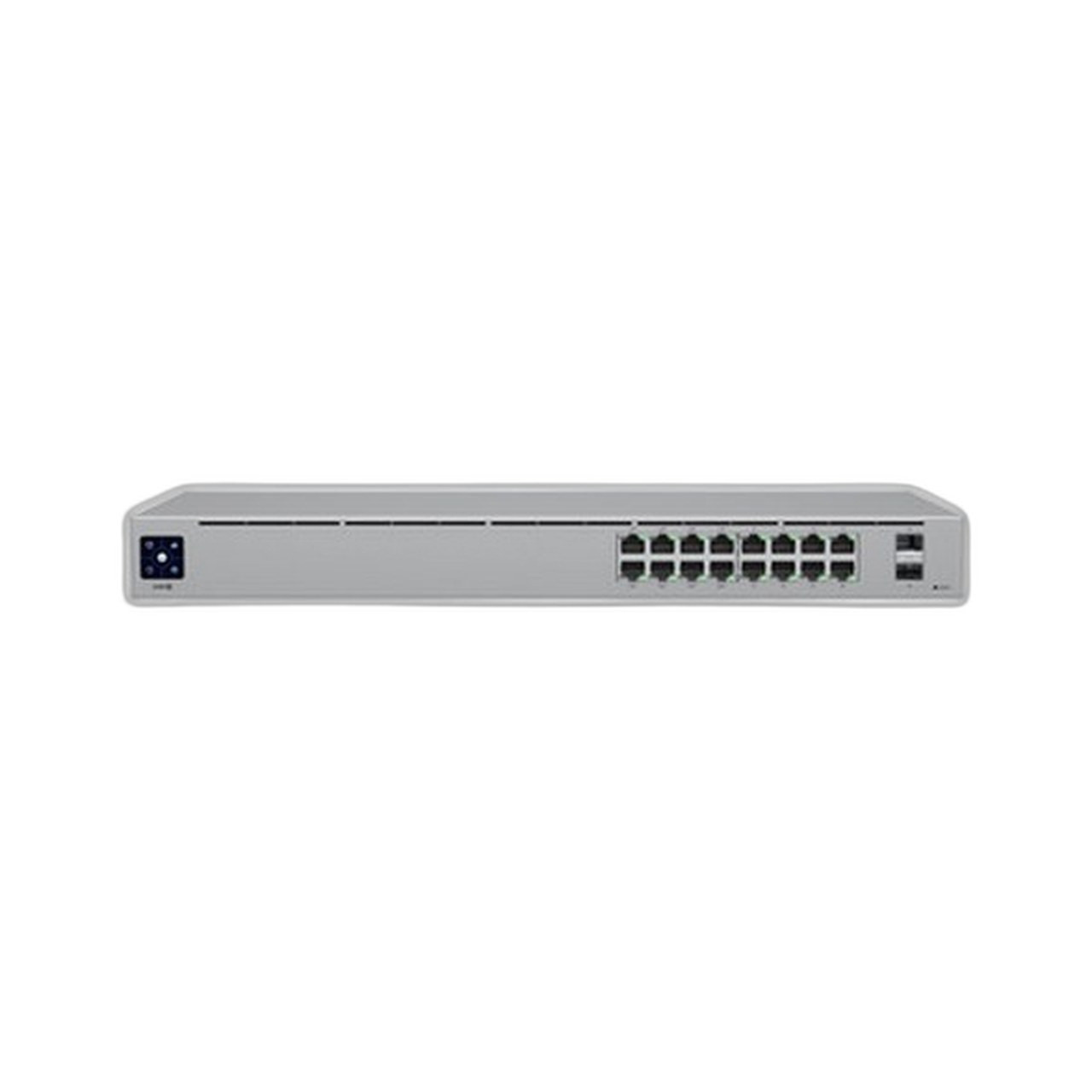
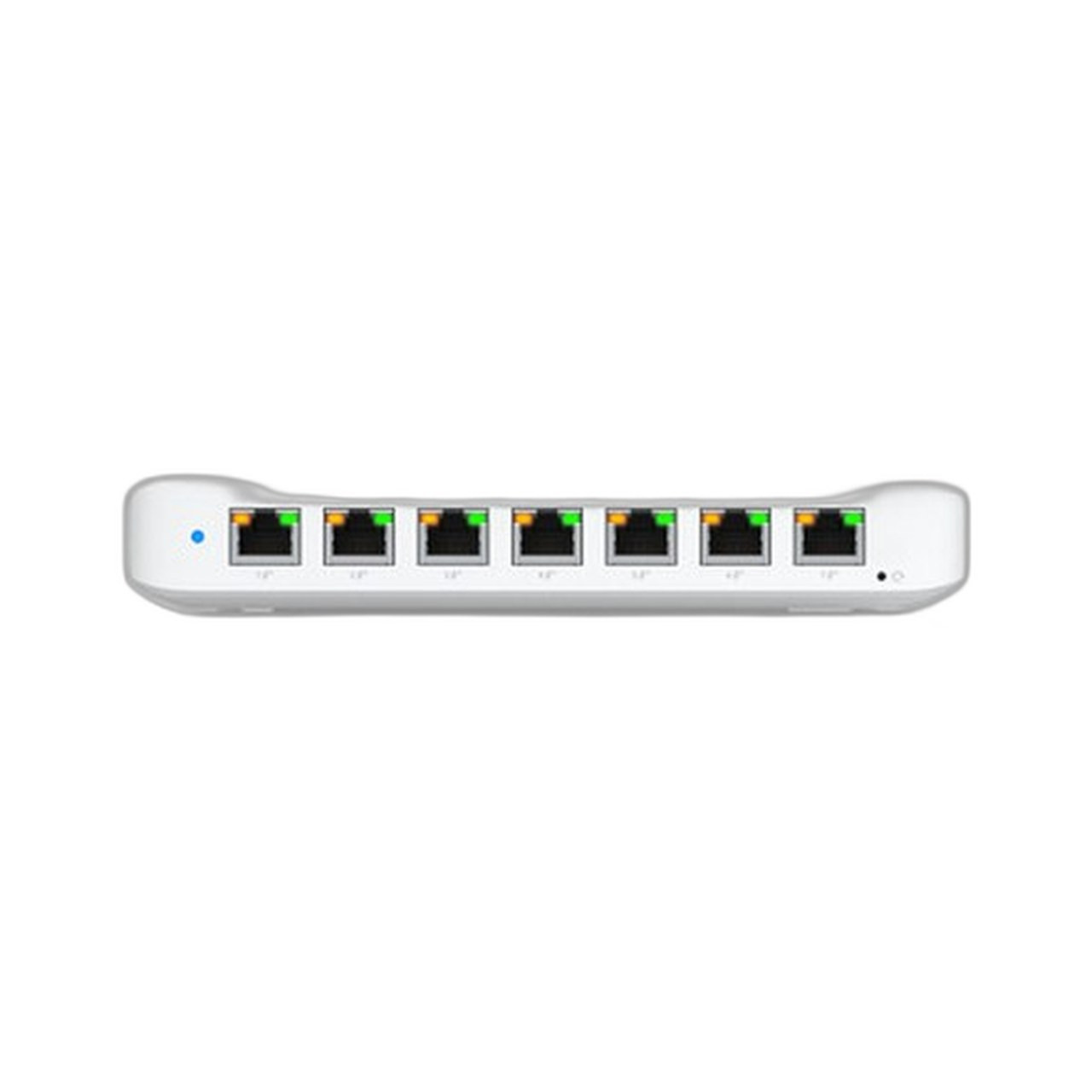
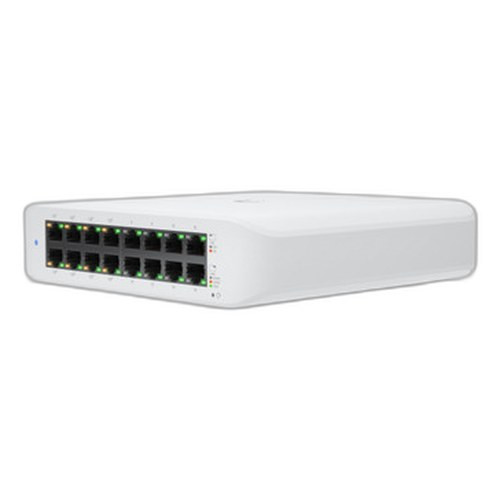
UniFi switches power access points and cameras over the same Ethernet cable (PoE/PoE+/PoE++) and feed the controller's topology view. Size total PoE wattage to your device count — the PoE Power Budget Calculator and PoE systems guide make this quick.
4. UniFi Protect: NVRs and Cameras
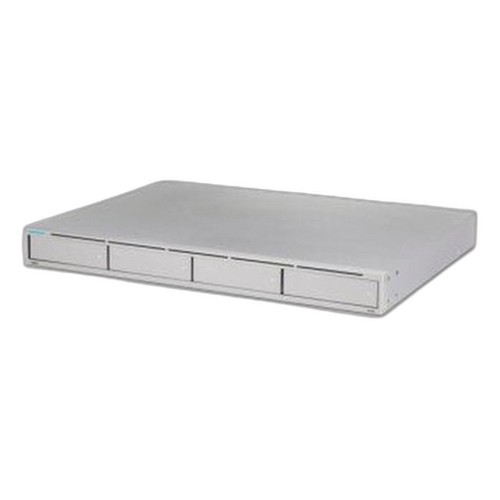
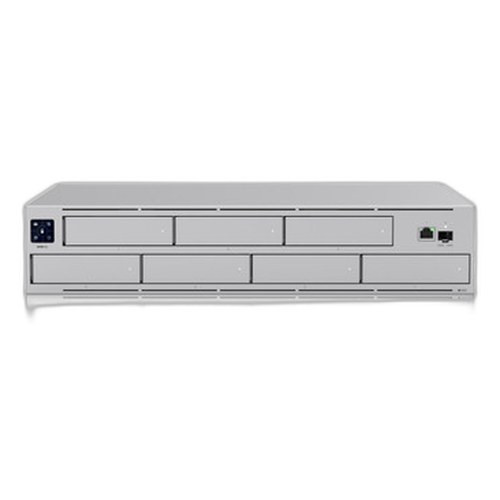
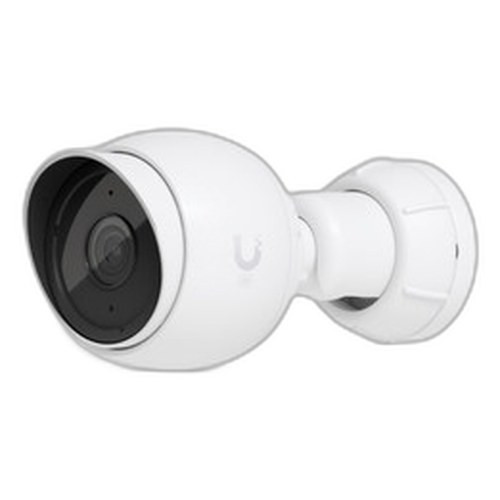
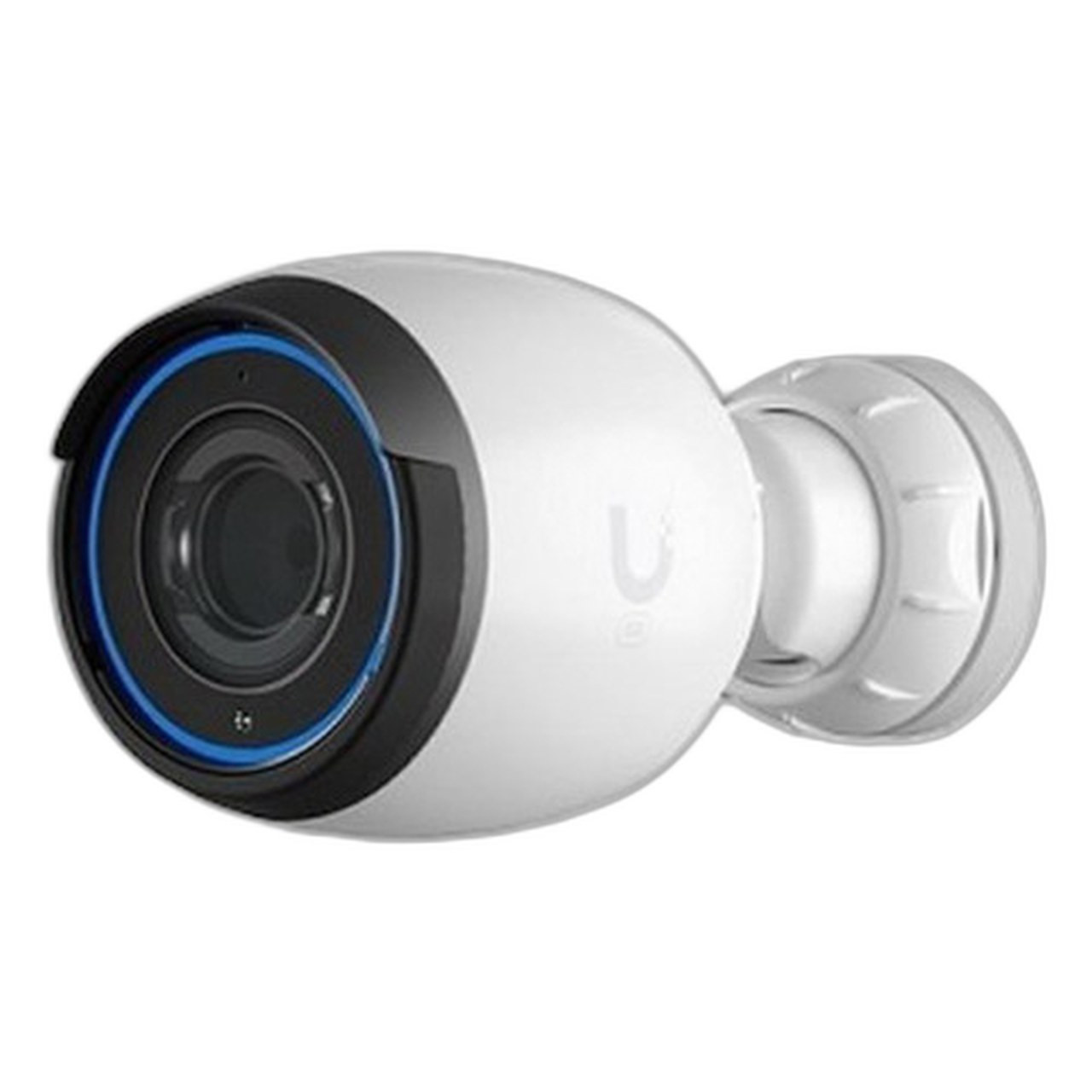
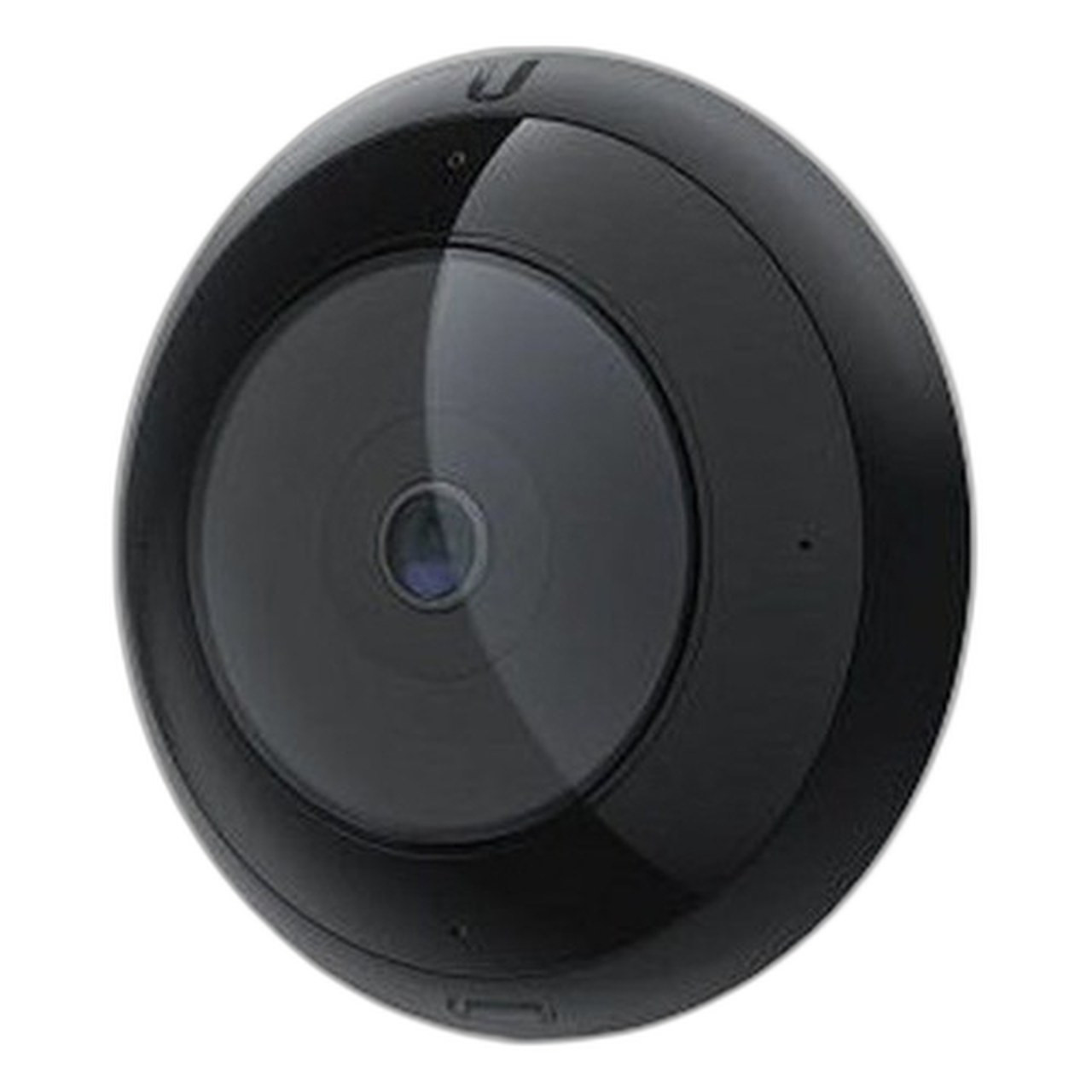
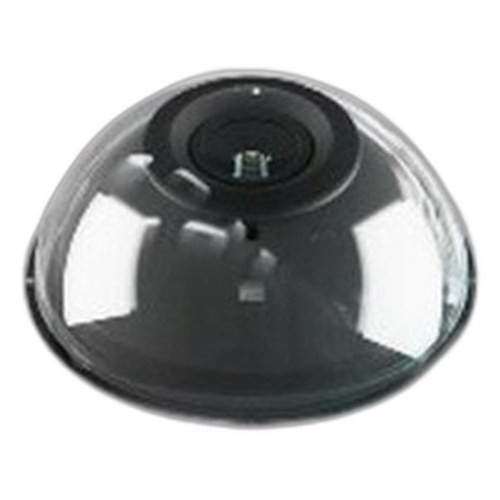
UniFi Protect is the surveillance side of the platform. A Protect-capable recorder (a UDM-Pro or a dedicated UNVR) stores footage locally with no monthly camera fees, and the G5 and AI cameras cover indoor, outdoor, and panoramic needs. For mixed-vendor or larger camera projects, compare options in our commercial NVR guide.
Recorders
Cameras
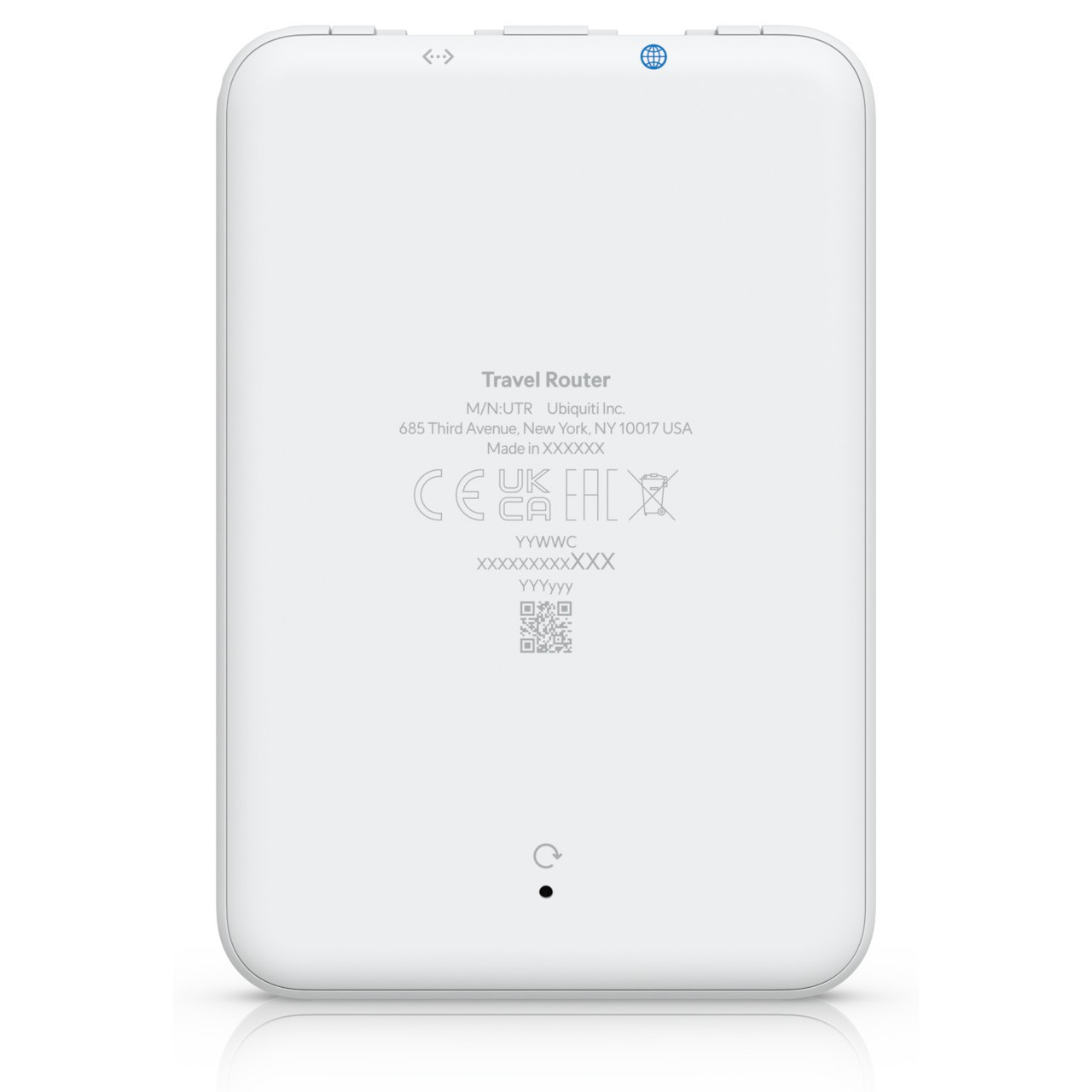
5. Extend the network anywhere: UTR Travel Router
The UTR brings a managed UniFi connection to hotel rooms, remote workers, and temporary sites — it adopts into your controller like any other UniFi device, so remote users get the same network policies as the office.
How to size a UniFi deployment
A reliable order of operations: (1) pick the gateway that matches your WAN speed and whether you need Protect; (2) count access points for coverage and client density; (3) choose switches with enough ports and PoE wattage for those APs plus cameras; (4) add the recorder and cameras last. Budget PoE headroom early so you are not re-buying switches when the camera count grows.
Frequently asked questions
Do I need a UniFi Cloud Gateway to use UniFi access points?
Yes. UniFi access points, switches, and cameras are managed by a UniFi controller, which runs on a Cloud Gateway (UCG, UDM, or UDM-Pro) or a Cloud Key. The gateway is the brain of the system — it handles routing, the controller software, and (on Pro models) UniFi Protect video.
What is the difference between Wi-Fi 6 and the new Wi-Fi 7 U7 access points?
Wi-Fi 7 (the U7 line) adds 320 MHz channels, 4K-QAM, and Multi-Link Operation, which raise throughput and lower latency versus Wi-Fi 6. For new deployments the U7 Pro and U7 Lite are usually the better long-term choice; existing Wi-Fi 6 networks still perform well.
How many access points do I need?
Plan roughly one access point per 1,500-2,500 sq ft for office density, and more where walls or high client counts demand it. Power budgeting matters too — see the PoE planning guide and calculator linked below.
Can I run UniFi Protect cameras without a separate NVR?
A UDM-Pro or UNVR provides the Protect recording engine and drive bays. Smaller sites can use a UNVR or the Protect-capable UDM-Pro; larger camera counts move to the UNVR-Pro for more bays and throughput.
Are these products genuine and factory-new?
Yes — all UniFi products are factory-new and sourced through authorized US distribution. No grey-market or parallel imports.
Talk to a senior network specialist for a tailored parts list and PoE budget.Contact our team →