
Best Surveillance Cameras for Commercial Office Buildings
Office cameras are judged differently than warehouse cameras. In an office, the camera is visible to employees, tenants, visitors, and executives every day — so how it looks matters almost as much as how it performs. The camera that works at a warehouse dock door does not belong in a corporate reception area, even if the resolution specs are identical. This guide covers the cameras we recommend for commercial office buildings, organized by position and tier, with the reasoning behind each pick.
Bottom Line
For most office positions, a discreet 4MP Hanwha Q-series dome does the work — visible enough to deter, subtle enough that visitors and executives are not distracted by it. Step up to 4K AI at main entries and executive floors; add a 12MP fisheye in conference rooms where full-space coverage matters; use vandal-rated domes at shared lobbies and elevator landings. The lineup below holds across 80 percent of office deployments.
Our commercial team specifies cameras for corporate HQs, multi-tenant office buildings, law firms, medical offices, and co-working spaces across the United States. The picks below come from real deployments.
Best For
- Facilities managers speccing cameras for a new or refresh deployment
- Property managers standardizing across multi-tenant portfolios
- Corporate security leads evaluating integrator camera-model choices
- IT directors comparing VMS compatibility and mobile-app quality
- Office owners reviewing a proposal and wanting a camera-model sanity check
Not For
- Warehouse, distribution, or industrial facilities
- Residential multifamily
- Outdoor-only, perimeter-only, or construction-site surveillance
In This Guide
What Matters in an Office Camera (Beyond the Spec Sheet)
The technical specs that distinguish office cameras from warehouse cameras are usually the same: resolution, IR range, sensor size, lens focal length, bitrate. What separates a great office camera from an adequate one are the things that do not show up on the spec sheet.
Housing profile and color. Office cameras mount to drop-ceiling tiles, lobby ceilings, and corridor soffits where the camera is at eye level for employees and visitors every day. Low-profile white or off-white housings disappear into most office ceilings; black industrial housings draw attention and look out of place. The Hanwha Q-series, Axis M-series, and i-PRO WV-U/S-series are all designed for office aesthetics; warehouse bullet cameras are not.
Lobby and glass-front handling. Glass-front lobbies create the hardest lighting scenarios a camera faces: direct sunlight in morning and afternoon, reflection from the glass, dim interior lighting in overcast weather. Cameras with Wide Dynamic Range above 120dB and low-light sensors (Axis Lightfinder 2.0, Hanwha Extreme WDR, i-PRO iA) handle these transitions without losing faces in the overexposure or shadows.
Mobile app quality. Property managers, facilities teams, and corporate security leads use camera footage through mobile apps more than through the on-premise NVR. A camera with excellent resolution but poor mobile-app support is less useful than a camera with adequate resolution and a great app. Hanwha Wisenet WAVE, Axis Companion, and Milestone XProtect Mobile all have mature apps; verify compatibility before specifying.
Integration with access control. Office surveillance almost always integrates with badge-based access control for door-forced-open alarms, tailgating detection, and suspicious-badge events. Cameras that support ONVIF Profile T and native integration with Axis, HID, Genetec, and Lenel access-control systems are preferred over cameras that require custom integration work.
Analytics on-device. People counting, dwell-time analytics, occupancy tracking, and tailgating detection are increasingly baseline. On-device analytics run on the camera without requiring a separate analytics server. Specify analytics capability even if you do not plan to use it on day one — the capability gets used within the first year on almost every deployment.
No Bots, Just Experts
No bots, just experts. Free pre-sales support for every customer — product questions, BOM quotes, compatibility checks, price confirmation — typically answered within one business day. Paid services available like full system design, remote installation, and more. Got a BOM ready? Free project-pricing quote with volume discount on qualifying orders. Need the BOM designed first? Engineering time is $175/hour — we scope the hours with you before purchase, then deliver the designed BOM. Hardware buyers get up to one hour ($175) credited back against their order as a thank-you.
Matching Cameras to Office Positions
Main lobby and reception: 2 cameras. A wide-view dome covering the lobby space, plus a focused camera on the security desk or reception counter. The Hanwha QND-7082R is the proven lobby workhorse; step up to the PND-A9081RF for high-compliance tenants or executive-facing lobbies.
Corridors and hallways: Discreet indoor domes spaced every 80 to 120 feet. The QND-7082R at standard 10-foot ceilings; step up to WV-S22500-V3L 5MP for longer corridors.
Elevator landings and stairwells: Compact fixed domes facing the elevator or stair entry. The QND-6010R is a good budget option for multi-landing deployments; upgrade to XND-6081RV on executive floors for slightly better after-hours low-light.
Conference rooms and boardrooms: A single 360-degree fisheye mounted to the ceiling center. The PNF-9010RV is our default. For larger conference centers, use multiple fisheyes rather than a cluster of fixed domes.
Executive suites and C-level floors: Approach with care. Most executive-floor surveillance covers the elevator lobby and executive-assistant workstation, not the executive offices themselves. When specified, the PND-A9081RF 4K AI dome is the premium choice.
Main entry exterior and parking: Outdoor cameras with weather rating and Lightfinder-class WDR. The Axis P3277-LVE for premium main entries; the Hanwha ANO-L7012R for perimeter and secondary parking.
Server rooms and IT closets: One compact dome at the entry, required for SOC 2 compliance at many tenant deployments. The XND-6081RV or the Axis M1137 handles this cleanly.
Loading dock and service areas: One vandal-rated outdoor dome facing the dock opening, plus an interior dome facing the dock-to-freight-elevator path.
Aesthetics and Executive Concerns
Office surveillance is the only commercial camera category where aesthetics routinely drives product selection. The cameras are installed in spaces executives and board members walk through daily; a housing choice that looks like construction-site surveillance generates pushback that takes months to resolve.
The practical guidance: default to white or off-white housings, low-profile domes, and ceiling-recessed mounts wherever possible. Reserve black housings for outdoor positions (where they actually hide better against shadows and foliage) and for loading-dock or service-area interior positions where industrial aesthetics are appropriate.
For executive floors specifically, consider ceiling-recessed trim kits that mount the camera flush with the drop-ceiling tile. Axis TM3213-E and similar recessed mounts drop a dome into the ceiling plane so the camera presents as a small hemisphere rather than a visible can. The trim-kit option adds $75 to $150 per camera but is consistently worth it on executive floors.
Conference rooms are the other position where aesthetics matter disproportionately. A 360-degree fisheye is easier for occupants to accept than a fixed dome because it is obviously one camera for one room — not a cluster that feels surveilled. Post a small sign at the conference-room entry indicating the camera is present; transparency generates less friction than discovery.
Our Office Camera Picks
Six cameras that cover 90 percent of commercial office positions. Match the tier to the position — premium for main entries and executive floors, best-value for standard positions, budget for high-count multi-tenant common areas.
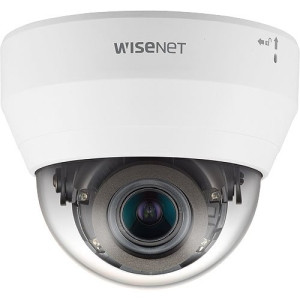
Hanwha
Hanwha QND-7082R 4MP Indoor IR Dome Camera
QND-7082R
4MP indoor IR dome, discreet white housing, proven facial identification at 15 to 25 feet. The default office camera across most positions. NDAA-compliant, mobile-app friendly.
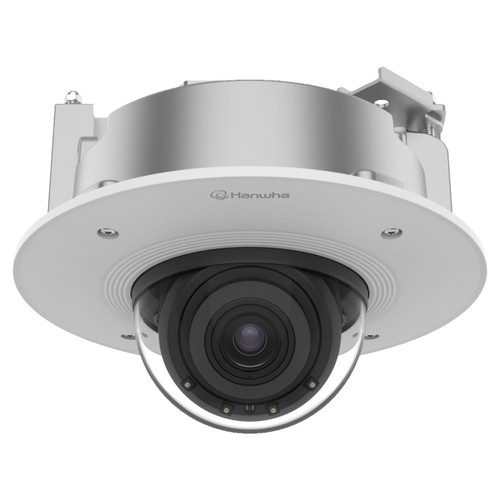
Hanwha
Hanwha PND-A9081RF 4K Indoor AI IR Dome IP Camera
PND-A9081RF
4K AI indoor dome with on-device people counting and dwell analytics. The premium pick for executive floors, boardroom approaches, and main-entry lobbies where facial detail matters.
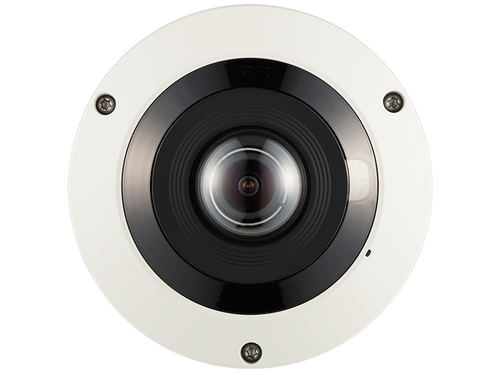
Hanwha
Hanwha PNF-9010RV 12MP 360˚ Fisheye Camera
PNF-9010RV
12MP 360-degree fisheye for conference rooms and large break rooms. One camera, full room coverage, privacy-friendly because it is clearly a single clearly-posed camera rather than a cluster.
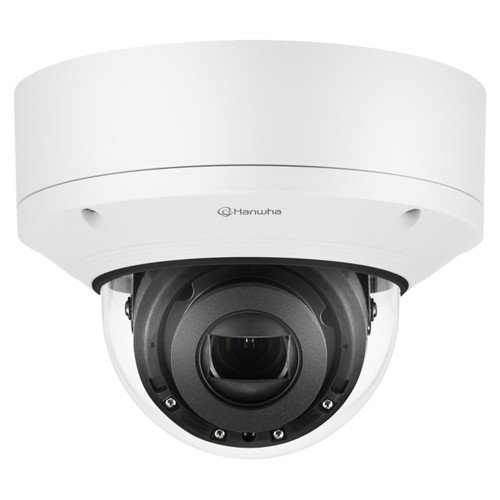
Hanwha
Hanwha XND-6081RV 2MP Vandal-Resistant Dome Camera
XND-6081RV
IK10 vandal-rated 2MP dome for high-traffic lobbies, shared elevator landings, and positions where occasional housing contact is possible. Low-profile aesthetic, NDAA-compliant.
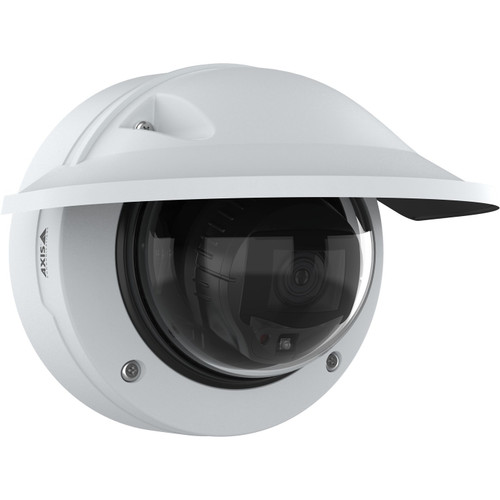
Axis
Axis P3277-LVE 5MP Outdoor AI IR Dome Camera - 03153-001
03153-001
Axis P3277-LVE 5MP AI outdoor dome. Handles glass-front lobby mixed lighting with Lightfinder 2.0; AXIS Object Analytics adds people counting and object-detection capability.
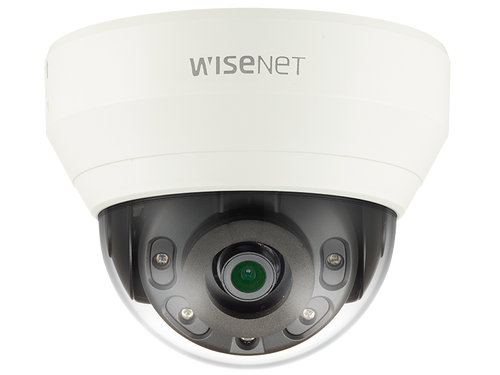
Hanwha
Hanwha QND-6010R 2MP Network IR Dome Camera
QND-6010R
2MP indoor IR dome for multi-tenant common areas or budget-sensitive high-count deployments. Covers presence detection and incident documentation.
Also Consider: Outdoor and Recording
Complete an office deployment with outdoor cameras at main entry and perimeter, plus a channel-matched NVR.
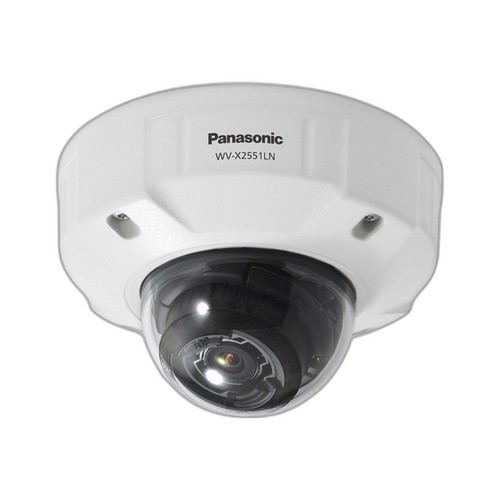
i-PRO
i-PRO WV-X2551LN 5MP AI-Enhanced Fixed Outdoor Dome IP Camera
WV-X2551LN
i-PRO 5MP AI-enhanced outdoor dome. Strong low-light performance for glass-front lobby positions; integrates cleanly with i-PRO VMS and third-party platforms.
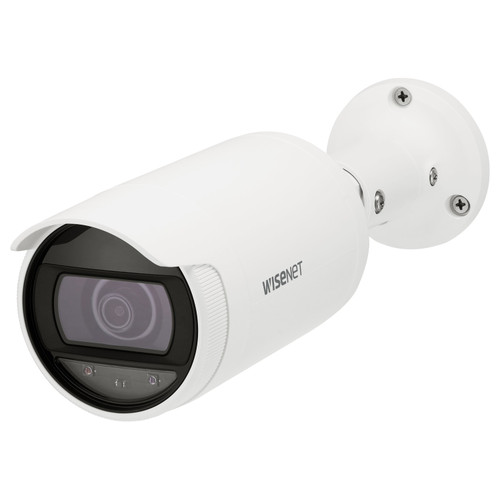
Hanwha
Hanwha ANO-L7012R 4MP Wide-Angle Low Light Outdoor Bullet IP Camera
ANO-L7012R
Hanwha outdoor bullet for building perimeter, dumpster staging, and alley positions. Cost-effective at multi-camera perimeter deployments.
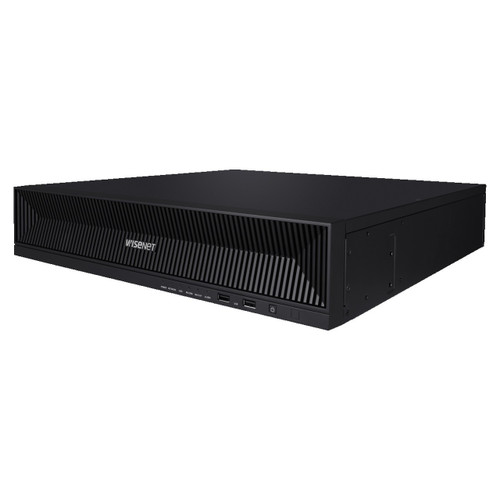
Hanwha
Hanwha XRN-1620B2 16-Channel 4K NVR
XRN-1620B2
16-channel 4K NVR for typical office deployments of 12 to 16 cameras. Hanwha Wisenet WAVE gives strong mobile and browser remote-access experience for facilities and property teams.
Frequently Asked Questions
What is the best all-around camera for a commercial office?
The Hanwha QND-7082R is our default for most office positions. 4MP indoor IR dome, discreet aesthetic, NDAA-compliant, strong VMS mobile-app integration via Wisenet WAVE. It handles lobby, corridor, and general floor coverage at a commercial-reasonable price point.
Should I buy Axis or Hanwha for my office?
Both are excellent NDAA-compliant brands; the choice usually comes down to existing infrastructure. If the building has an existing Axis or Genetec VMS, stay with Axis cameras for native integration. If starting fresh or already on Hanwha Wisenet WAVE, Hanwha cameras give the best mobile-app experience. Mixed-brand deployments run either platform via ONVIF reliably.
Do I need 4K cameras for an office?
Not everywhere. 4MP is sufficient for 80 percent of office positions (corridors, common areas, break rooms). Specify 4K or 8MP at main entries (glass-front with mixed lighting), executive floors (where identification detail matters), and conference centers (where asset-level detail may be needed).
How important is mobile-app access for office cameras?
Very. Property managers, facilities teams, and corporate security leads pull footage through mobile apps more than through the on-premise NVR. A camera with excellent resolution but poor app support is less useful than a camera with adequate resolution and a great app. Specify the mobile-app capability during VMS selection.
Are ceiling-recessed cameras worth the extra cost?
Yes on executive floors and high-design lobbies. The $75 to $150 trim-kit premium is consistently worth it when the camera is in a space executives and tenants see daily. Reserve standard surface-mount housings for standard positions where aesthetic friction is low.
What about fisheye cameras for open-plan offices?
Fisheye works well for conference rooms, large break rooms, and boardrooms where full-space coverage matters. For open-plan workspaces, fisheye is usually overkill — fixed domes at entry corners cover traffic flow without the privacy friction of a ceiling-center fisheye pointed at every workspace.
Do office cameras need to be vandal-rated?
At high-traffic lobbies, shared elevator landings, and public-facing positions, yes. For executive-floor and interior-office positions, vandal rating is rarely necessary and housing aesthetics can suffer. Use vandal-rated where impact is possible; use standard housings where it is not.
How should I handle privacy in break rooms?
Cameras in break rooms are legal in most jurisdictions with employee disclosure, but social friction is usually more than the operational benefit warrants. Typical recommendation is to cover the break-room entry from the corridor instead. If cameras inside are required for loss-prevention reasons, use a 360-degree fisheye so the camera is clearly-posed.
No Bots, Just Experts
No bots, just experts. Free pre-sales support for every customer — product questions, BOM quotes, compatibility checks, price confirmation — typically answered within one business day. Paid services available like full system design, remote installation, and more. Got a list of products? Free BOM quote. Need help figuring out what to buy? Buy engineering time by the hour — $175/hour, qty 1 = 1 hour. Tell us about your project, we scope how many hours it needs, you purchase that quantity. Hardware buyers get up to one hour ($175) credited back against their order as a thank-you.