
Best Label Printers for Manufacturing
Label printers for manufacturing — durable thermal-transfer labels for parts and WIP, industrial metal build for the plant floor, and network connectivity for line stations.

Karl Wilson
Warehouse & Mobile Computing Specialist · Working integrator
Bottom line
Industrial label printers for manufacturing need metal construction, network connectivity for plant-floor integration, and thermal-transfer capability for durable part/WIP labeling. Choose based on print width, connectivity type (wired vs. Wi-Fi), and operating temperature range — all models here handle standard 5–40°C shop conditions, but differ in footprint and interface options.
What This Setup Needs
Selecting a label printer for manufacturing requires balancing durability, connectivity, print quality, and line-station workflow. Here's what actually matters on the plant floor:
- Thermal-Transfer vs. Direct Thermal. Thermal-transfer (using ribbon) produces labels that survive oils, solvents, and abrasion — essential for parts and work-in-progress tracking. Direct thermal fades in UV and heat. All models here support thermal-transfer.
- Print Width and Label Size. Most industrial units print 4–4.5 inches wide; confirm your part label and barcode footprint fits. Wider isn't always better — it affects speed and ribbon cost. Measure your actual label first.
- Network Connectivity: Wired vs. Wi-Fi. Wired Ethernet is rock-solid for factory floors with interference; Wi-Fi is flexible but needs reliable network. For high-vibration or metal-heavy areas, wired reduces dropouts. For mobile line stations or temporary setups, Wi-Fi saves cabling.
- Interface & Integration Burden. USB, RS-232, and Ethernet allow different host systems (MES, barcode software, legacy systems). Verify your line controller or PC actually supports the printer's driver and port. Newer printers often skip RS-232 — don't assume legacy support.
- Build Quality & Duty Cycle. Industrial-class means metal chassis and rated for 24/7 operation. Check monthly print volume specs (pages/month) against your demand. Undersizing causes premature wear.
- Operating Temperature Range. All listed models handle 5–40°C (41–104°F). If your plant runs hotter or colder (furnace area, cold room), verify rated performance; some degrade outside this band.
- Maintenance & Ribbon/Label Costs. Thermal-transfer requires ribbon stock. Factor in ribbon yield and cost per label — often 2–5¢ per label in volume. Metal construction means fewer jams, but head cleaning is still routine.
Our Picks
Selected from our catalog by spec-fit. All channel-direct and factory-new — not ranked by price.
Honeywell PX940
Industrial
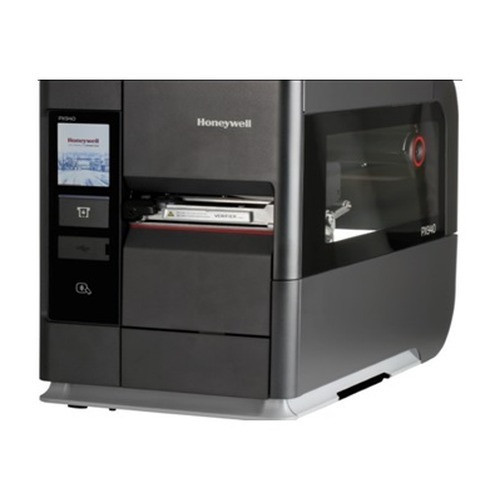
Honeywell PX940 is a workhorse industrial thermal-transfer printer with solid wired Ethernet — well-suited for fixed line stations where network reliability matters and Wi-Fi interference is a concern. Metal build and standard 5–40°C range fit typical manufacturing floors.
View product →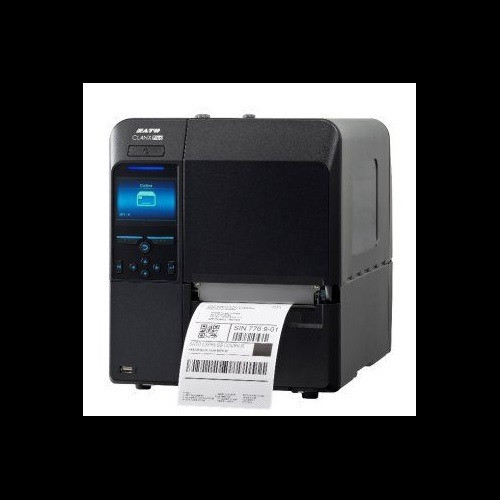
Sato WWCLP3B01-WAR
Industrial
Sato WWCLP3B01-WAR combines industrial durability with Wi-Fi connectivity, a strong fit if you need mobile or flexible line placement without Ethernet infrastructure. Dual AC/DC power option adds resilience in facilities with power variations.
View product →
Sato WM8430031
Industrial 203dpi
Sato WM8430031 at 203 dpi offers clean, readable barcodes on smaller labels with wired Ethernet for reliable network print jobs. Well-suited for tight-tolerance part labeling where print clarity and uptime are non-negotiable.
View product →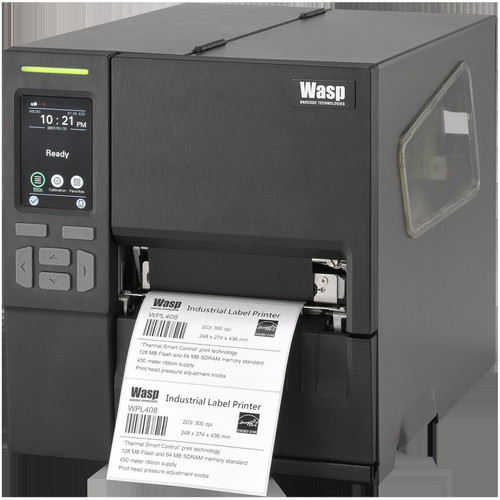
Wasp WPL408
Industrial
Wasp WPL408 provides multi-interface flexibility — USB, RS-232, and Ethernet 10/100 Mbps — making it a strong fit for integrating with legacy MES systems or mixed-device line stations. Industrial class handles continuous duty.
View product →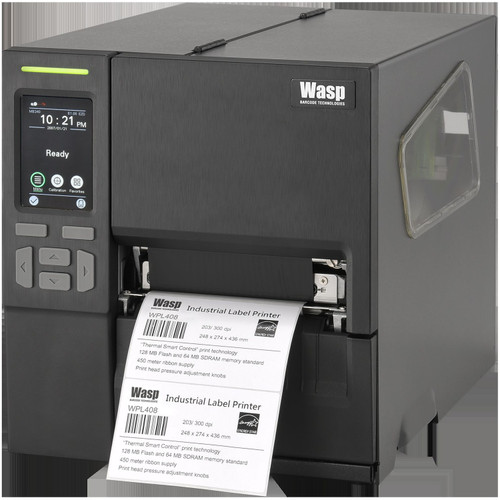
Wasp WPL408
Industrial
Wasp WPL408 variant adds USB Host and maintains RS-232 and Ethernet, supporting both classic and modern line controllers. Choose this if you need maximum host-device compatibility without committing to a single protocol.
View product →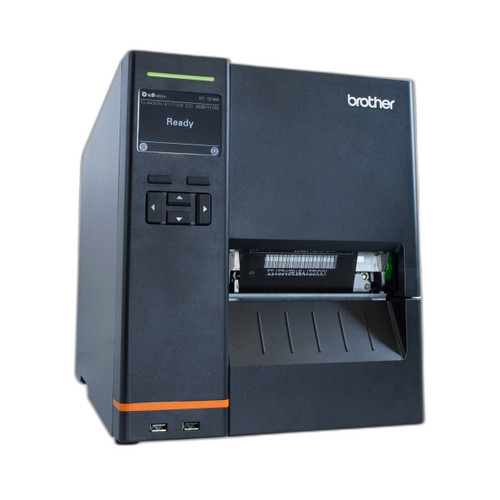
Brother TJ4520TN
Industrial
Brother TJ4520TN is an industrial printer with 4.5-inch print width, Wi-Fi, and wired Ethernet/USB/RS-232 — a balanced fit for plants wanting both connectivity options and a factory-standard interface set. The built-in display aids local job setup.
View product →Frequently Asked Questions
What's the real difference between thermal-transfer and direct thermal for manufacturing labels?
Thermal-transfer uses a ribbon to fuse ink onto label stock, creating labels that withstand oils, solvents, UV, and abrasion — essential for parts tracking and WIP on the shop floor. Direct thermal prints by heat alone, fades under sunlight and chemical exposure, and is cheaper but short-lived. For manufacturing, thermal-transfer is the standard. All models here support it.
Should I choose wired Ethernet or Wi-Fi for my plant floor?
Wired Ethernet is more reliable in high-vibration, RF-noisy, or metal-heavy areas — typical factories. Wi-Fi is convenient for mobile stations or temporary setups but requires solid network coverage and adds latency. If your line station is fixed and Ethernet drops are already nearby, wired eliminates one troubleshooting variable. Wi-Fi is a sensible choice only if you have IT-managed wireless and acceptable signal strength at the printer location.
How do I know which print width I actually need?
Measure your part label and barcode together — width and height. Most industrial printers here print 4 to 4.5 inches wide; that covers standard 3×1 to 4×2 labels. If your label is larger or you need multi-row codes, a wider printer (5–6 inches) may be necessary, but that increases cost and ribbon consumption. Start with 4-inch width unless your label physically requires more.
Do I need to worry about operating temperature ratings?
All models listed operate from 5–40°C (41–104°F), which covers most indoor factories. If your label printer sits in a furnace area, cold room, or unheated dock, confirm the manufacturer's performance guarantee outside that range — many degrade in print quality or speed. Most plants operate within spec, but verify if your site is an outlier.
Which model works best with legacy systems (RS-232, old MES)?
The Wasp WPL408 variants (SKUs 633809007170 and 633809007699) retain RS-232 serial, making them the strongest fit for older manufacturing software or PLC integrations. Honeywell PX940, Brother, and Sato models emphasize modern Ethernet and USB. If you're running 10+ year-old control software, confirm RS-232 support before committing to a newer model.
What are realistic total costs per label, including ribbon and consumables?
Thermal-transfer ribbon and label stock combined typically run 2–5¢ per label in volume (500+ per month). Ribbon cost varies by yield (e.g., a 300m ribbon prints roughly 1500–3000 4×2 labels depending on coverage). Factor in rolls of label stock, ribbon changes, and occasional cleaning supplies. Request a cost-per-unit quote from your supplier based on your actual label size and monthly volume — it often shifts which model makes financial sense.
Related Resources
- Label Printer comparisons — head-to-head spec matchups
- Label Printer Buying Guide
- Best Industrial Label Printers for Warehouses
- Best Desktop Label Printers for Shipping
- All product comparisons
Speccing this for a project?
Send us your requirements and our senior specialists will confirm specs, compatibility, availability and pricing — free, usually within one business day. Channel-direct, factory-new, serving commercial integrators since 2014.
Get a Free QuoteComparing for a project?
Send us the models you are weighing and our team will confirm specs, compatibility, availability, and pricing — free, usually within one business day.