
Best PoE Switch for a 16-Camera Install
Sizing a managed PoE switch for a 16-camera IP surveillance system — you need 16+ PoE ports (24 for headroom), enough PoE/PoE+ power budget for the cameras, and uplinks to the recorder.

Eden Phillips
Networking & Infrastructure Specialist · Working integrator
Bottom line
For a standard 16-camera IP surveillance install, a 24-port managed PoE+ switch gives you the port headroom and per-port power control you need — size the PoE power budget at 30W per camera minimum and verify your uplink bandwidth supports aggregate camera throughput. If your runs exceed 100m or the environment is harsh, budget for fiber uplinks or an industrial-rated unit before you buy the cheapest port count.
What This Setup Needs
Sizing a PoE switch for a 16-camera system is straightforward if you work through five numbers before you open a datasheet: port count, per-port power class, total PoE budget, uplink capacity, and ambient temperature. Miss any one of them and you either underpower cameras mid-winter, saturate your uplink, or buy a switch that dies in a hot IDF closet.
- Port count with headroom: A 16-port switch leaves zero room for a 17th camera, an access reader, or a VoIP phone added later. A 24-port switch costs marginally more and buys real flexibility — plan for the install you'll have in two years, not the one you have today.
- PoE standard — 802.3af vs PoE+ (802.3at) vs PoE++ (802.3bt): 802.3af delivers up to 15.4W per port; PoE+ (at) delivers up to 30W; PoE++ (bt) goes to 60–90W. Most fixed IP cameras draw 7–15W, PTZ cameras 20–25W, and multi-sensor or IR cameras can push 25–30W. Spec every camera's max draw, not its idle draw, then choose the PoE class accordingly — a PoE-only switch will hard-limit PTZ or IR cameras.
- Total PoE power budget: A switch may have 24 PoE+ ports but only a 370W total budget — at 30W × 16 cameras that's 480W worst-case, which exceeds the budget and causes the switch to power-starve high-draw ports. Add up your camera wattages, add 20% margin, and compare that number directly to the switch's rated PoE budget before buying.
- Uplink speed and count: Sixteen 4K cameras at 8 Mbps each = 128 Mbps aggregate; with motion spikes and audio it can easily hit 200+ Mbps. A single 1 Gbps uplink to the NVR is adequate for 16 cameras, but two uplinks in a LAG bond give you redundancy. If you're backhauling to a remote NVR over fiber, confirm the switch has SFP slots that match your fiber type and distance.
- Managed vs unmanaged: For any professional surveillance install, managed is non-negotiable. You need per-port PoE scheduling (reboot a camera remotely without climbing a ladder), VLAN segmentation to isolate camera traffic from corporate LAN, RSTP for loop protection, and SNMP/RMON for fault monitoring. Unmanaged PoE switches are appropriate only for tiny residential jobs.
- Operating temperature range: A switch in a climate-controlled server room can be rated for 0°C–50°C. A switch in an outdoor enclosure, an unheated warehouse, or a rooftop IDF needs to handle -10°C or colder. Industrial-rated switches (-40°C to +75°C) eliminate the risk entirely in harsh environments but cost more — match the rating to the actual deployment location.
- Fiber uplinks for long runs or noisy environments: Copper Ethernet is limited to 100m. If cameras are distributed across a campus, a parking structure, or a manufacturing floor with electrical noise, SFP fiber uplinks on the access switch — or a dedicated fiber-capable aggregation switch — are the right answer, not PoE extenders daisy-chained on copper.
Our Picks
Selected from our catalog by spec-fit. All channel-direct and factory-new — not ranked by price.
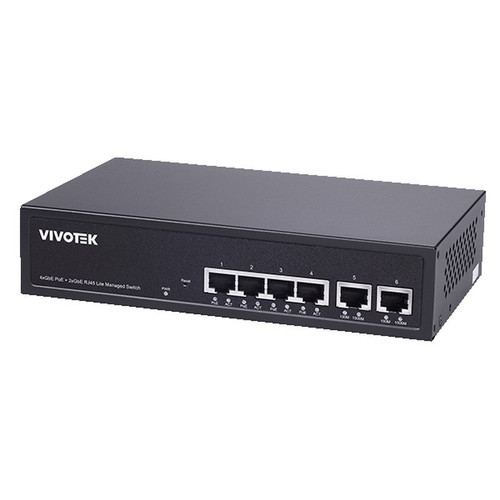
Vivotek GEV-288A-370
24-Port PoE
The Vivotek GEV-288A-370 is a 24-port managed PoE switch with a 370W power budget, making it a strong fit for a 16-camera install where cameras average 20W or less — the eight spare ports provide genuine growth headroom, and the -10°C lower operating limit gives it an edge over 0°C-rated peers in unconditioned closets or northern climates.
View product →
Vivotek GEL-205A-260
16-Port PoE
The Vivotek GEL-205A-260 is a 16-port PoE+ managed switch rated to a 260W budget, well-suited for a tight 16-camera deployment where every camera draws 15W or less and port count will not change — buyers who anticipate any expansion should step up to a 24-port model, as this unit leaves no spare ports.
View product →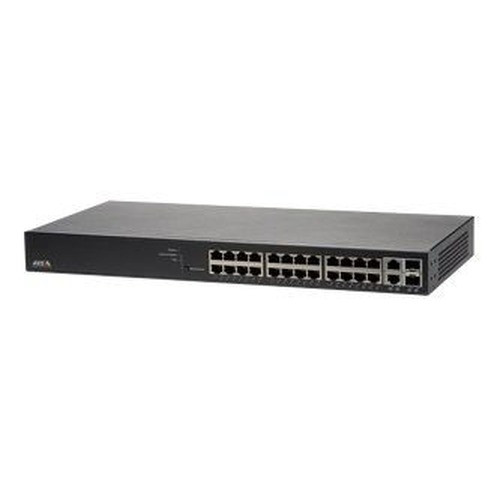
Axis T8524
24-Port PoE
The Axis T8524 is a 24-port PoE+ managed switch built by a manufacturer with deep surveillance integration experience, making it a natural fit for Axis-heavy installs where unified management across cameras and network infrastructure is a priority — its 0°C–50°C operating range suits conditioned IDF rooms and wiring closets.
View product →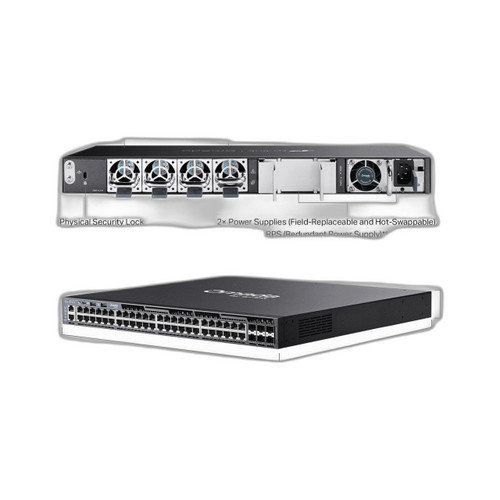
TP-Link SG6654XHP
48-Port non-PoE
The TP-Link SG6654XHP is a 48-port PoE+ switch with six high-speed uplink interfaces, well-suited for larger deployments or multi-system consolidation where a single switch needs to serve both a 16-camera surveillance VLAN and other network segments — overkill for a single small install, but the right platform when you're aggregating multiple camera runs or building out a full-floor IDF.
View product →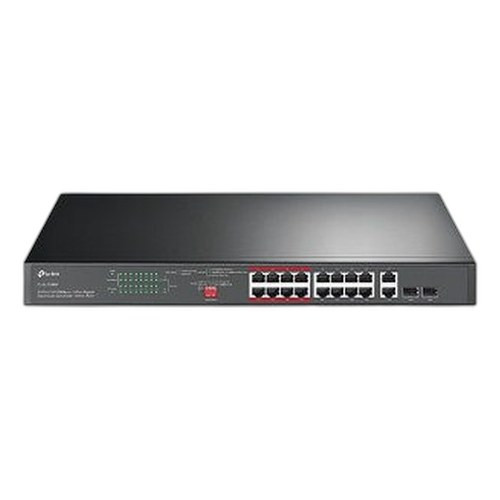
TP-Link SL1218MP
16-Port PoE
The TP-Link SL1218MP offers 16 PoE ports plus two Gigabit uplinks in a budget-conscious package, well-suited for cost-sensitive 16-camera installs where cameras are standard-resolution and power draw is modest — note that the camera-facing ports are 100 Mbps Fast Ethernet, which caps per-camera bandwidth and is a limiting factor for 4K or multi-sensor cameras requiring sustained high bitrates.
View product →
Comnet CNGE20FX4TX16MS
20-Port non-PoE
The Comnet CNGE20FX4TX16MS is a 20-port managed industrial switch rated from -40°C to +75°C with four fiber (FX) uplinks, making it a strong fit for harsh-environment deployments — outdoor enclosures, transportation hubs, manufacturing floors, or any site where copper runs exceed 100m and temperature extremes would disqualify a commercial-grade switch; note this unit does not provide PoE and would function as a fiber aggregation or uplink switch rather than a camera-edge PoE switch.
View product →Frequently Asked Questions
How much PoE power budget do I need for 16 cameras?
Add up the maximum wattage (not idle) of every camera on the switch, then add 20% headroom. A common real-world mix of 16 PoE+ cameras at 15–20W each lands around 240–320W; a 370W budget handles that comfortably. If you have PTZ or multi-sensor cameras pushing 25–30W each, 16 × 30W = 480W — you'll need a switch with a higher aggregate PoE budget or you'll see cameras brown out under full load.
Can I use a 16-port PoE switch for a 16-camera system?
Technically yes, but it leaves zero margin — one failed port or one added device means a camera goes offline with no alternative port. Professional integrators typically spec a 24-port switch for a 16-camera job; the incremental cost is small relative to a service call to swap out a maxed switch. The exception is a budget-constrained, fixed-scope residential job where expansion is genuinely off the table.
Do I need a managed switch for IP cameras, or will unmanaged work?
Managed is strongly preferred for any commercial or professional installation. Managed switches let you isolate camera traffic on a dedicated VLAN (keeps surveillance video off the corporate LAN), schedule per-port PoE resets to remotely reboot locked-up cameras, enable RSTP to prevent broadcast storms if someone accidentally loops a cable, and export SNMP data to your monitoring system. Unmanaged switches work but give up all of these capabilities.
What's the difference between PoE, PoE+, and PoE++ for cameras?
802.3af (PoE) delivers up to 15.4W at the port — sufficient for most fixed dome and bullet cameras. 802.3at (PoE+) goes to 30W, covering PTZ cameras, IR cameras with high-power illuminators, and multi-sensor units. 802.3bt (PoE++) reaches 60–90W per port, used for pan-tilt cameras with heaters, high-power access control panels, or thin clients. Always spec the switch to the highest-draw device on the port, not the average.
When does it make sense to use a fiber uplink switch instead of running more copper?
Copper Ethernet has a hard 100-meter limit per segment. If any camera run or uplink exceeds that distance — across a campus, parking structure, or between buildings — you need fiber. Industrial switches with SFP fiber ports (like the Comnet CNGE20FX4TX16MS) are also the right choice in electrically noisy environments (near motors, generators, or welding equipment) where copper picks up interference that causes packet loss and camera dropouts. Fiber is also inherently ground-loop-immune, which matters in outdoor multi-building installs.
Should I buy a switch from the same brand as my cameras?
Brand-matched switches (e.g., Vivotek switches with Vivotek cameras, Axis T8524 with Axis cameras) can offer tighter integration — shared management interfaces, automatic camera discovery, and synchronized firmware compatibility testing. That integration has real value in single-vendor deployments. In mixed-vendor environments, a standard 802.3at-compliant managed switch from any reputable manufacturer will power and connect any standards-compliant camera; the PoE standard is interoperable by design.
Related Resources
- Network Switch comparisons — head-to-head spec matchups
- Network Switch Buying Guide for IP Cameras & PoE
- Best PoE Switch for an 8-Camera System
- All product comparisons
Speccing this for a project?
Send us your requirements and our senior specialists will confirm specs, compatibility, availability and pricing — free, usually within one business day. Channel-direct, factory-new, serving commercial integrators since 2014.
Get a Free QuoteComparing for a project?
Send us the models you are weighing and our team will confirm specs, compatibility, availability, and pricing — free, usually within one business day.