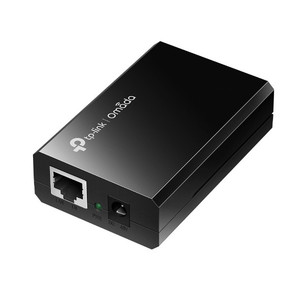
TP-Link MC1400 14-Slot Media Converter Chassis
Overview
The MC1400 is a 14-slot rackmount housing for TP-Link Omada media converter modules. It solves the space and power distribution problem when you need to deploy multiple fiber-to-copper or copper-to-fiber conversions in a single equipment rack — typical in distributed surveillance networks, industrial fiber extensions, or multi-site deployments where long-distance fiber trunks meet existing copper camera and network infrastructure at the edge.
This is the chassis only; individual media converter modules (sold separately) insert into each slot. Each module handles a specific fiber type (single-mode or multi-mode) and distance range. The MC1400 provides centralized 9VDC power, thermal management, and hot-swap capability so you can add, replace, or remove converters without powering down the entire frame — critical for 24/7 surveillance or industrial networks where downtime triggers SLA penalties.
Compatibility
The MC1400 accepts TP-Link Omada media converter modules rated for 9VDC input. Verify the exact model numbers of the converter modules you intend to install — they must match your fiber specifications (single-mode vs. multi-mode, Gigabit vs. Fast Ethernet, and distance requirements). The chassis provides the power backbone and cooling infrastructure; module selection determines which fiber types and distances you support. Consult TP-Link Omada product documentation or a systems integrator to confirm module compatibility before ordering converters.
Installation Notes
Mount the MC1400 in a standard 19-inch equipment rack using included hardware; it occupies 2U of vertical space. Confirm adequate rack depth and front-to-back airflow clearance — the dual cooling fans draw intake air from the front and exhaust from the rear. Route fiber and copper cabling behind the chassis to avoid service loops that obstruct cooling. The optional redundant power supply ensures uptime during primary PSU failure; both supplies connect via standard 100–240 V AC inlet. Operating temperature range is 0°C to 40°C (32°F to 104°F); verify your rack environment stays within this band, especially in warm climates or densely packed enclosures.
What's in the Box
- 1x MC1400 chassis with dual cooling fans and mounting hardware
- 1x 12V / 6.25A AC power supply (100–240 V input)
- Mounting brackets for standard 19-inch rack