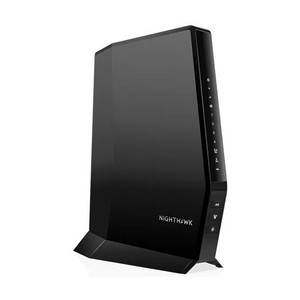
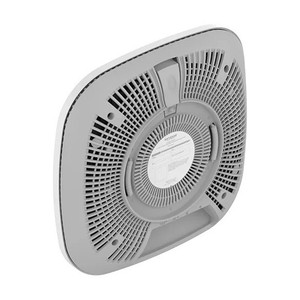
NETGEAR CAX30S-100NAS WiFi 6 Cable Modem Router
Overview
The NETGEAR CAX30S-100NAS combines WiFi 6 (802.11ax) wireless networking with an integrated DOCSIS 3.1 cable modem — eliminating the need for a separate modem and router. This all-in-one form factor is relevant for surveillance installations where the primary network backbone must handle both broadband delivery and local device connectivity without consuming extra rack or wall space. The CAX30S-100NAS is commonly deployed in small-to-midsize commercial environments (retail, hospitality, warehouse perimeter networks) where a single gateway device can distribute internet access to IP cameras, NVRs, and access control systems over a single wired or wireless link.
Compatibility
The CAX30S-100NAS operates as a standard WiFi 6 access point and router, making it compatible with any ONVIF-compliant IP camera, NVR, or network video recorder that supports 802.11ax or fallback to 802.11ac/n standards. It functions as a DHCP server and Layer 3 gateway, so it can provision and route traffic for surveillance systems that operate over standard Ethernet (via the onboard switch) or wireless clients that support WiFi 6. It does not require proprietary drivers or firmware integrations — standard IP networking protocols apply. Verify your camera or NVR documentation for WiFi capability if wireless deployment is planned; many commercial-grade IP cameras and recorders are Ethernet-only devices and will require a wired connection to one of the modem-router's LAN ports.
Installation Notes
Connect the CAX30S-100NAS to your cable service provider's network via the integrated DOCSIS 3.1 cable port, then power the unit. Ethernet devices (IP cameras, NVRs, PoE switches) connect to the LAN ports on the router. Allow 5–10 minutes for modem initialization after first power-on before expecting full internet bandwidth. For surveillance deployments, place the unit in a location with adequate ventilation — avoid direct sunlight or confined cabinets, as the integrated modem generates continuous heat during service. If wireless clients are used, survey the facility for WiFi 6 signal coverage; obstacles and distance reduce throughput.