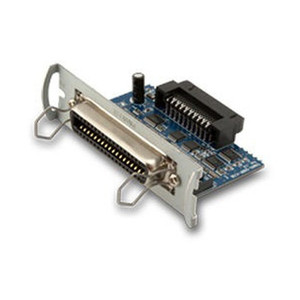
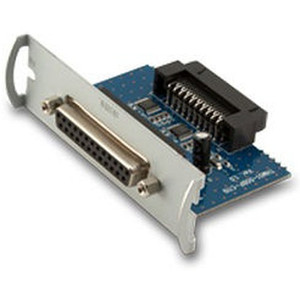
Custom America POS 41000000087400 USB Interface Card for EVO Impact
Overview
The Custom America POS 41000000087400 is a USB interface card that seats inside the EVO Impact POS terminal and manages all peripheral connectivity — scanners, barcode readers, cash drawers, receipt printers, and payment terminals. This is a direct replacement for the earlier EVO-PK2-1CARDU part designation. In warehouse environments running transaction-critical POS systems, a failed interface card means zero communication with USB peripherals: no scanning, no payment processing, no transaction flow until the card is replaced. The 41000000087400 eliminates a full terminal swap in this scenario.
Compatibility
This card is designed exclusively for EVO Impact POS terminals. It is not backward-compatible with earlier Custom America POS generations or third-party systems. Verify that your EVO terminal documentation confirms part number 41000000087400 as the correct replacement — installing this card on an incompatible model will produce device enumeration failures or hardware detection errors. If you are uncertain of your terminal model, confirm it in your POS system configuration or contact your original installer before ordering.
Installation Notes
Installation requires taking the EVO Impact terminal offline. Power down the unit completely and disconnect it from the network. The 41000000087400 seats into the internal expansion slot; no external power connections or separate wiring harnesses are required beyond the existing USB peripheral connections already in place. Insert the card firmly into the slot and verify it is flush with the terminal's frame. Restart the terminal and check the device manager to confirm all peripherals enumerate correctly before resuming operations. If peripherals fail to appear in the device tree after installation, reseat the card, verify firm seating, and check your EVO firmware version — some older firmware builds may require a firmware update to recognize the new interface card.