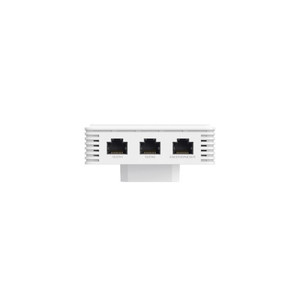
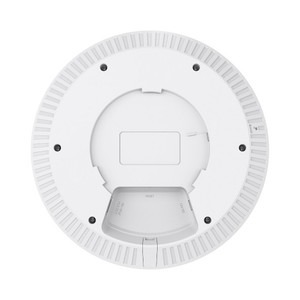
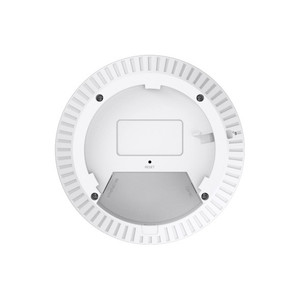
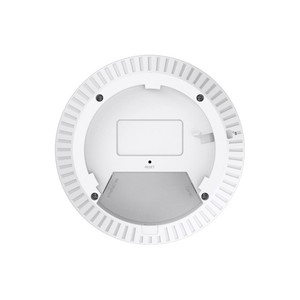
TP-Link XGB430V PRO BE7200 Wi-Fi 7 XGS-PON Router
Overview
The XGB430V PRO is a managed dual-band Wi-Fi 7 router designed for fiber-fed commercial and ISP deployments where 10 Gigabit Ethernet backhaul and multiservice voice capability are required. It terminates XGS-PON fiber interfaces natively via an integrated Econet chipset (G.988.x and XGS-PON E1 protocols) and bridges that connectivity to 2.4GHz and 5GHz Wi-Fi 7 client coverage, plus four Gigabit Ethernet LAN ports and two RJ11 FXS voice ports. Real deployments: ISP head-end residential gateways, enterprise fiber-to-the-business edge access points, and multi-tenant residential complexes where surveillance bandwidth, VoIP, and dense client traffic converge on a single device.
Compatibility
Deploy in network architectures where your WAN terminates via XGS-PON fiber (standard fiber-to-the-home or fiber-to-the-business footprints). The 1 × 10GE WAN/LAN port bridges fiber bandwidth directly to core switches, surveillance servers, and NVR clusters. Four Gigabit Ethernet LAN ports downstream support standard IP cameras, access control panels, network switches, and PoE injectors at gigabit speed. Two RJ11 FXS ports integrate analog VoIP handsets or legacy phone lines—common in bundled telecom and security installs. Wi-Fi 7 dual-band (BE7200: 1376 Mbps 2.4GHz + 5764 Mbps 5GHz) supports contemporary mobile devices, tablets, and EasyMesh-compatible mesh nodes. Management: TR-069 and TR-098/181 remote provisioning allow ISP-level auto-configuration and performance telemetry. OMCI support enables ONU-level configuration via the OLT. Aginet APP and cloud support provide mobile provisioning and cloud logging.
Installation Notes
Connect the SC/APC XGS-PON port directly to your fiber drop—verify fiber polarity and use industry-standard SC/APC jumpers (not included). Terminate the 10GE port to your core switch or surveillance server NIC with standard Cat6 or better cabling. Gigabit LAN ports support Cat5e/Cat6. FXS ports accept standard RJ11 voice handset or analog phone line terminations. Fiber jumper specification and installation must follow carrier or site engineering standards for polarity and loss budgets.