
Why Your PoE Switch Fails After 18 Cameras (Even Though It Has 24 Ports)
“24-port PoE switch” sounds like a guarantee. Plug in 24 cameras, everything works, right?
In real deployments, PoE failures often show up around 16–20 cameras — long before you hit 24 ports. And it’s usually not a bad switch. It’s power budget math (plus a few field realities) that no one accounted for.
- Port count is not the limit. Total PoE watt budget is.
- Cold weather heaters and IR can spike power draw.
- PoE class and negotiation matter (PoE / PoE+ / PoE++).
- Cable length and voltage drop can push marginal devices over the edge.
The Most Common Misunderstanding: “24 Ports” ≠ “24 Powered Devices”
A PoE switch has two constraints:
- Ports (how many devices can physically connect)
- Total PoE budget (how many watts it can deliver across all ports)
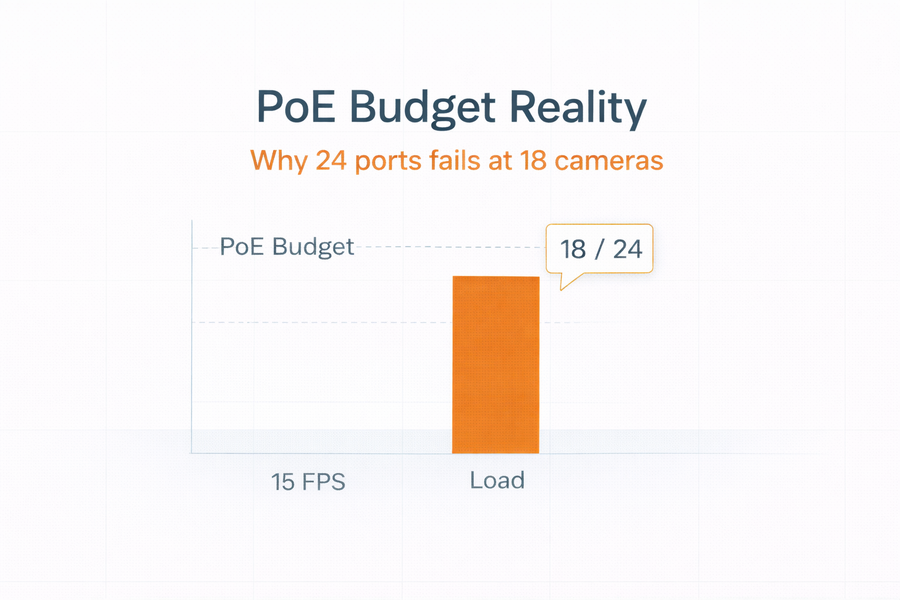
Many 24-port PoE switches only have a 190W–370W PoE budget, depending on model. If each camera averages ~10–15W, you can run out of watt budget around 16–20 cameras — even with ports remaining.
PoE Types (Fast Reference)
- PoE (802.3af): up to ~15.4W at the port (less available at the device)
- PoE+ (802.3at): up to ~30W at the port
- PoE++ (802.3bt): higher power tiers for heaters, PTZs, multi-sensor units
If you have cameras with heaters, strong IR, or PTZ motors, your power assumptions need to be conservative.
Quick PoE Budget Calculator
Use this to estimate whether your switch watt budget is realistic for your camera count and camera power profiles.
Why the Failure Often Hits Around 18 Cameras
Here’s a common real-world example:
- 24-port PoE switch with ~250W PoE budget
- Outdoor domes averaging ~12W (more at night with IR)
- Some cameras spike higher in cold conditions (heaters)
24 cameras × 12W = 288W before buffer. You’re already past budget. In the field, this doesn’t always fail immediately — it fails when conditions get harder (night, cold, IR, motion, analytics).
Four Field Realities That Increase PoE Demand
1) IR and night mode power spikes
Many cameras draw more power at night when IR illuminators engage. If you sized PoE on daytime draw, you’re exposed.
2) Heaters and blowers (outdoor enclosures)
Heaters can create major power spikes. PTZs can spike when moving. This is where PoE+ and PoE++ matter.
3) Cable length and voltage drop
Long runs reduce the effective power available at the device. Marginal devices can power-cycle when conditions change.
4) Power negotiation and PoE class behavior
If devices negotiate higher classes, your “average watts” assumption can be wrong. Always check the camera’s max watt draw and plan to it for critical zones.
The Smarter Approach: Segment Power the Same Way You Segment Retention
- Tier 1: high-draw devices (PTZ, heaters) on PoE++ or injector-assisted runs
- Tier 2: standard cameras on PoE+ with conservative buffer
- Tier 3: lower draw interior units where budget is predictable
Where This Fits in a Deployment Program
- Commercial Surveillance Solutions
- Construction Site Security Systems
- Education and Campus Security Systems
- Data Center Security Systems
Share camera count, camera models (or watt draw), and switch model. We’ll validate the PoE budget and call out where power risk is hiding.
Get RecommendationsRelated Resources
- Network PoE Planning Guide
- Retention Modeling and Storage Planning
- VMS Selection and Architecture Guide
If you tell us the environment (indoor/outdoor, IR/heaters, PTZ vs fixed), we can recommend a clean switch + injector strategy that won’t collapse under load.