
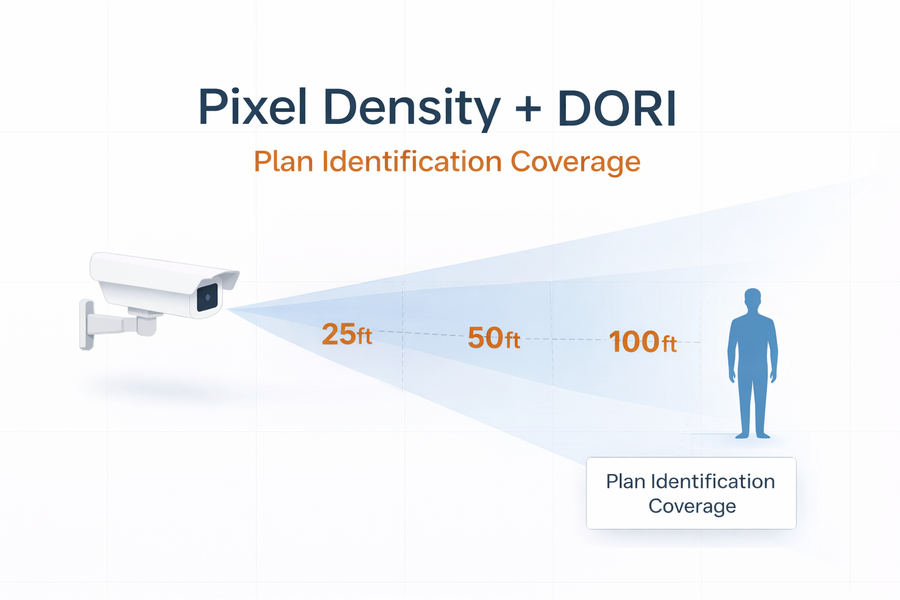
Designing Identification-Grade Camera Coverage: Pixel Density + DORI, the Practical Way
When a deployment misses expectations, it’s usually not because the camera “wasn’t 4K.” It’s because coverage was planned without a measurable target for identification, recognition, or detection. Two tools solve that problem fast: pixel density (how many pixels you get on target) and DORI (a practical framework for what that pixel density actually delivers).
- Megapixels don’t guarantee identification. Pixel density at the target does.
- DORI turns pixel density into a clear outcome: detect / observe / recognize / identify.
- Plan by outcome first, then choose camera resolution + lens + mounting height to hit it.
What DORI Means in Real Deployments
DORI is a shorthand for what you can realistically expect at a given pixel density:
- Detect: notice a person or vehicle is present
- Observe: understand general activity (direction, posture, grouping)
- Recognize: confirm it’s the same person you’ve seen before
- Identify: confidently identify a person (or capture facial detail in good conditions)
You can use DORI as a planning target per camera position. For example:
- Perimeter fence line: detect / observe
- Doorways and choke points: recognize / identify
- Cash handling or high-value zones: identify
- Parking entrances for LPR: identify (but via a dedicated LPR approach)
Pixel Density: The Metric That Actually Predicts Results
Pixel density is typically expressed as pixels per foot (PPF) or pixels per meter (PPM). The idea is simple: the narrower the scene at the point you care about, the more pixels land on the target.
A quick way to plan coverage is to set a pixel density target at the distance you care about, then work backward to lens and placement.
| Outcome | Typical target | Where it’s used |
|---|---|---|
| Detect | Low PPF/PPM range | Perimeters, yards, long corridors |
| Observe | Medium PPF/PPM range | General monitoring, activity review |
| Recognize | Higher PPF/PPM range | Entrances, interior choke points |
| Identify | Highest practical range | Doorways, counters, access control events |
Note: Exact thresholds vary by standard, environment, motion blur, lighting, and angle. Use these as planning starters, then validate in-field.
Fast Pixel Density Calculator (Pixels per Foot)
If you know your camera’s horizontal resolution and the scene width at the distance you care about, you can calculate pixels per foot instantly.
Three Planning Mistakes That Break Identification
1) Mounting too high and shooting down steeply
High mounting reduces tamper risk, but steep angles reduce facial detail and increase top-of-head shots. For identification, prioritize choke points with a flatter angle when possible.
2) Using wide lenses everywhere
Wide lenses feel safer because they “cover more,” but they often fail the identification requirement. Use wide for context and situational awareness, then place dedicated identification cameras where it matters.
3) Ignoring low-light and motion blur
Pixel density is not enough if exposure settings create blur. In low-light areas, identification requires careful WDR and shutter/exposure planning.
How We Use This in Real Projects
When you send us a floor plan (even rough) and your outcomes (detect / recognize / identify), we can help you:
- Confirm coverage targets per camera position
- Select lens types (fixed vs varifocal vs PTRZ) based on real distances
- Confirm VMS and recording design for retention and performance
- Validate PoE power budgeting and switch selection
Share your platform + site count and we’ll recommend best-fit models and a deployment-ready approach.
Get RecommendationsRelated Resources
- How to Select the Right IP Camera for Commercial Deployment
- Retention Modeling and Storage Planning
- Video Recording Platforms Guide
- VMS Selection and Architecture Guide
- LPR System Design Guide
- People Counting Analytics Accuracy Guide
Where This Fits in a Deployment Program
If you’re building a repeatable standard for multi-site rollouts, start here:
- Commercial Surveillance Solutions
- Auto Dealership Security Systems
- Cannabis Facility Surveillance Camera Systems
- Education and Campus Security Systems
- Healthcare and Clinics Security Systems
If you want, send a target distance and the scene width you need to cover. We’ll sanity-check your pixel density targets and recommend lens options that hit identification without overspending.