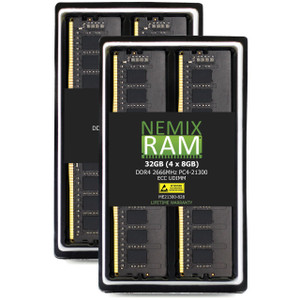
QNAP RAM-8GDR4ECT0-RD-2400 8GB DDR4 ECC Registered DIMM
Overview
The QNAP RAM-8GDR4ECT0-RD-2400 is an 8GB DDR4 ECC registered DIMM running at 2400MHz, designed to expand memory in compatible QNAP NAS platforms. ECC (Error-Correcting Code) memory detects and corrects single-bit memory errors on the fly — critical in always-on network attached storage environments where silent data corruption is a real risk. The R-DIMM (registered/buffered) form factor offloads electrical load from the memory controller, improving stability in multi-slot configurations. If your workload involves simultaneous surveillance recording, VM hosting, or heavy file I/O and you're hitting memory pressure, this module is the direct path to expanding capacity.
Compatibility
This module is engineered for QNAP NAS systems that specify DDR4 ECC R-DIMM memory. Verify your specific NAS model's memory specification before ordering — not all QNAP units support registered ECC; many consumer and SMB models use unbuffered SODIMMs (DDR3L or DDR4 non-ECC) instead. This module is not interchangeable with SODIMM slots or non-ECC DIMM slots. Consult your QNAP model's hardware spec sheet to confirm DDR4 ECC R-DIMM support and maximum addressable capacity before purchase. Mixing registered and unregistered DIMMs in the same system is not supported.
Installation Notes
Installation requires removing the NAS case cover — QNAP documents this as loosening the rear panel screws, gently removing the cover, and locating the DIMM slot before seating the module. Power down and ground yourself before handling. Ensure the module is fully seated until the retention clips engage on both ends. After installation, verify the NAS recognizes the new capacity in the system information panel before returning to service.