TP-Link UE300 USB 3.0 to Gigabit Ethernet Adapter
Overview
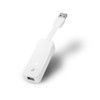
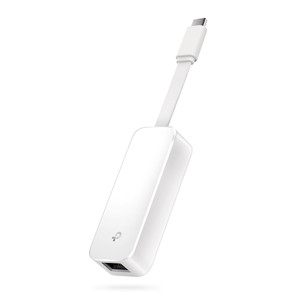
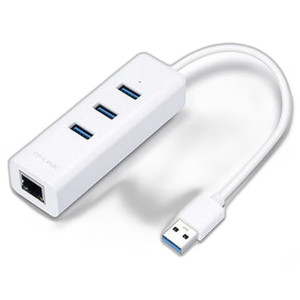
The TP-Link UE300 is a compact USB 3.0 to Gigabit Ethernet adapter that adds wired network connectivity to systems lacking native RJ-45 ports. It delivers 1 Gbps throughput over a single Gigabit Ethernet port, making it practical for field commissioning of IP security devices, temporary access during network troubleshooting, or provisioning edge computing equipment on-site. The retractable cable and small form factor (2.8 × 1.0 × 0.6 inches) make it portable enough for mobile workstations and ultrabooks without adding bulk to your kit.
Compatibility
The UE300 works with any device featuring an available USB 3.0 port and requiring standard Gigabit Ethernet connectivity. It is compatible with Windows (XP, Vista, 7, 8, 8.1), macOS X (10.5 and later), and Linux-based systems. The adapter supports any standard Gigabit Ethernet network infrastructure—switches, routers, PoE injectors, and network-attached devices—without requiring proprietary drivers on Windows or Linux. macOS systems running 10.9 and later recognize the adapter natively; systems running 10.5–10.8 require a driver from the manufacturer. The adapter draws power directly from the USB bus, so no external power supply is needed, provided the host device supplies adequate USB power.
Installation Notes
Connect the USB 3.0 connector directly to an available USB 3.0 port on the host device. Plug any standard Cat5e or Cat6 Ethernet cable into the RJ-45 port—no special connectors or adapters required. For stationary deployments, use a short, high-quality patch cable to minimize stress on the USB connector. The adapter operates reliably between 0°C and 40°C (32°F to 104°F); store it between −40°C and 70°C (−40°F to 158°F). If the host is battery-powered, the adapter's USB power draw is negligible and does not materially reduce runtime.
What's in the Box
- 1x USB 3.0 to Gigabit Ethernet Network Adapter (UE300)
- 1x Quick Installation Guide