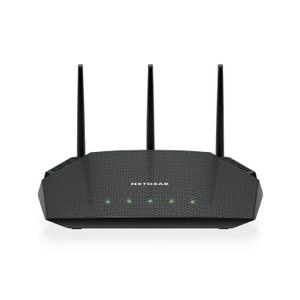
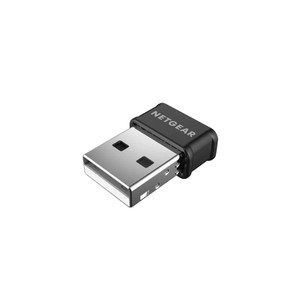
NETGEAR PL1200-100PAS Powerline Gigabit Ethernet Adapter
Overview
The PL1200-100PAS is a powerline adapter that carries Gigabit Ethernet (1000 Mbps) over your building's electrical wiring. Deploy this when you need network connectivity at a camera location but running Ethernet cable is impractical — power outlet availability makes it the fastest alternative to wireless. The adapter provides a standard 10/100/1000 Mbps RJ-45 port on each unit, so you pair one near your router and one at the camera site. Data throughput of up to 1200 Mbps (combined TX/RX over the powerline) means sufficient bandwidth for multiple HD streams or a single 4K feed without saturating the line.
Compatibility
The PL1200-100PAS works with any IP camera or NVR that accepts standard Gigabit Ethernet input — no special drivers or firmware required. It integrates transparently into existing ONVIF-based surveillance networks. Pair it with PoE injectors or PoE switches to deliver power and data simultaneously to cameras over the same Ethernet connection. Compatible with both 802.3af (low-power cameras under 13W) and PoE+ (802.3at) delivery. No VMS-specific configuration needed; the adapter is protocol-agnostic.
Installation Notes
Plug one adapter into an outlet near your network switch or router, then connect it to your switch via Ethernet cable. Plug the second adapter into an outlet near your camera location and connect your camera's Ethernet port to its RJ-45 jack. Both adapters must be on the same electrical circuit or sub-panel for reliable performance — cross-panel or cross-building installations may experience signal loss or dropout. Avoid plugging adapters into surge protectors, UPS units, or power strips; use wall outlets directly. Allow 30–60 seconds after power-up for the adapters to establish a stable link before sending traffic.
What's in the Box
- 1x NETGEAR Powerline 1200 adapter with Gigabit Ethernet port (PL1200-100PAS)