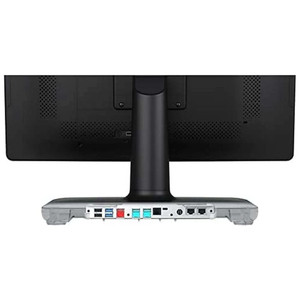
ELO Touch E264186 DDR4 SODIMM Memory Module
Overview
The ELO Touch E264186 is a 4GB DDR4 SODIMM module rated at 2666MHz. This is a second memory slot upgrade designed for ELO Touch interactive display systems and embedded computing platforms that support dual-channel memory configurations. Install this module to increase system RAM, enabling smoother multitasking, faster application load times, and better responsiveness when running multiple monitoring or automation software instances simultaneously. The E264186 fits the SODIMM slot format — a compact footprint common in industrial touchscreen terminals and compact surveillance workstations.
Compatibility
Verify your ELO Touch system supports a second SODIMM slot and DDR4 2666MHz memory before ordering. This module is intended as a secondary memory upgrade for ELO Touch systems with dual-channel capability. Confirm your system's maximum supported memory capacity and speed in your hardware documentation — mixing incompatible speeds or exceeding maximum memory can cause instability. Contact your system documentation or ELO support to confirm the E264186 matches your specific model.
Installation Notes
SODIMM modules require power-off installation. Align the notch on the module with the key in the slot, insert at a 45-degree angle, then press down until the retention clips click into place. Avoid static discharge — ground yourself before handling. The module runs passively without active cooling; ensure airflow around the memory slots is not obstructed. After installation, power on and verify system BIOS or OS recognizes the new capacity.
What's in the Box
- 1x DDR4 SODIMM 4GB 2666MHz memory module