
Cameras for Apartment Buildings: Multi-Family Security Guide
Multi-family residential properties combine four distinct security needs: common-area surveillance, package and lobby protection, parking garage coverage, and tenant amenity spaces. This guide covers camera placement by area, intercom and access control integration, and the privacy considerations specific to multi-tenant residential.
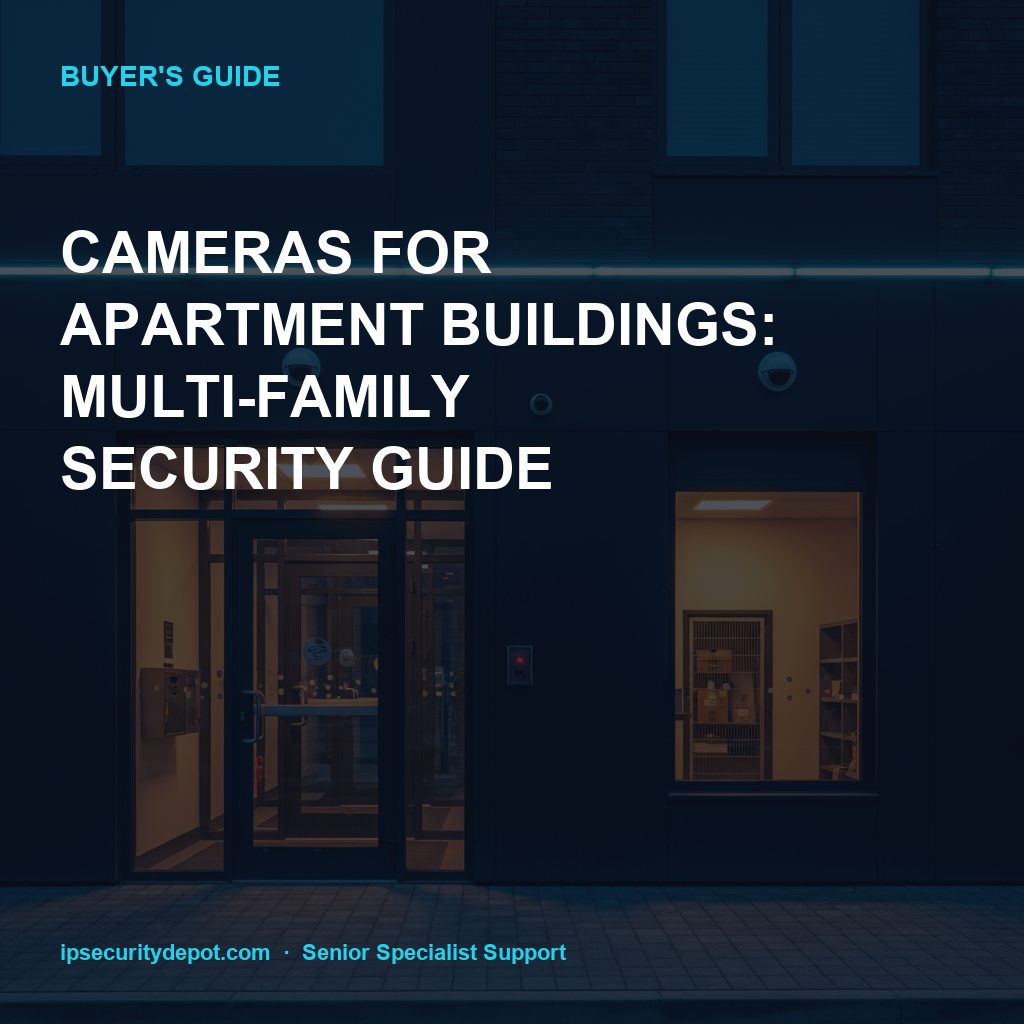
- Common areas (lobby, hallways, parking) are fair game for cameras; inside units is off-limits in nearly every jurisdiction
- Package theft is the dominant complaint — package room and mailroom cameras pay for themselves quickly
- IP intercoms have replaced PBX systems — Aiphone, Comelit, 2N, Akuvox are the major lines
- Plan retention at 30-90 days; tenant disputes and police investigations often surface 30+ days later
Camera placement by area
Camera placement by area for typical garden, mid-rise, or high-rise apartment communities:
- Main lobby / leasing office
- 4-8MP fixed dome covering entry door, mailbox area, leasing-office sign-in. WDR for sun glare through entrance.
- Common hallways
- Wide-angle 2.8mm or panoramic at corridor intersections. Avoid pointing cameras directly at unit doors — frame the corridor mid-point.
- Package room / amazon hub
- One overhead camera framing the package shelving, one camera at the door for entry/exit detail.
- Parking garage
- Cameras at every level entry/exit, every elevator lobby, and one at each stairwell. LPR at gate entry/exit for higher-security communities.
- Outdoor pool / amenity
- Wide-angle overview from a high pole or pavilion roof, framed to capture the pool deck without aiming at any window or balcony.
- Trash / dumpster area
- One camera capturing dumpster faces. Reduces illegal dumping and after-hours trespass.
- Pet relief areas
- Overview camera for incident review (dog bites, missing pets) — never near windows.
Recommended cameras
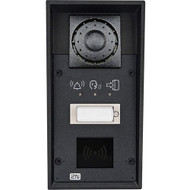
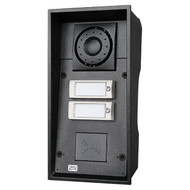
IP intercoms
IP intercoms for lobby entry, gate control, and tenant-to-visitor communication:
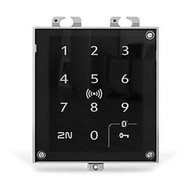
Access control
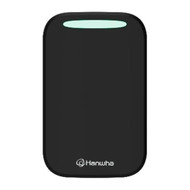
Access control for lobby doors, package rooms, amenity spaces, and unit entries:
Privacy considerations
Privacy considerations
Multi-family residential has stricter privacy considerations than commercial sites:
- No cameras inside units. Period. Some jurisdictions ban cameras in hallways pointed at individual unit doors as well.
- Avoid balcony or window framing. Cameras must not view into private spaces — units, balconies, neighboring residential property.
- Disclose in the lease. Tenants should be made aware of camera coverage in writing. Many municipalities require this.
- Limit access to recorded footage. Only authorized property management and law enforcement (with warrant) should review recordings.
- Mask private zones. If a camera necessarily captures a private window in its field of view, use the camera's privacy zone (firmware feature) to blank that region.
Package and mailroom protection
Package and mailroom protection
Package theft is the #1 incident type at most apartment communities. A camera plan focused on package protection typically includes:
- Camera at the front entrance facing inward — captures every delivery and pickup
- Camera at the package room / parcel-locker bank — overhead frame of the storage area
- Camera at the mailroom — covers USPS-only deliveries that don't get parcel locker treatment
- License plate camera at the gate or driveway — captures vehicles of unauthorized package pickup
- Integration with smart parcel lockers (Luxer, Package Concierge, Amazon Hub) for delivery confirmation
Frequently asked questions
- How many cameras does a typical 200-unit garden apartment community need?
- Plan 24-40 cameras for a 200-unit community. Distribution typically: 8-12 lobby and clubhouse cameras, 8-12 parking and gate cameras, 4-8 amenity cameras (pool, gym, dog park), 2-4 mail and package room cameras. The high end includes corridor cameras in interior-hallway buildings.
- Can we put cameras in elevators?
- Yes — elevators are common areas and most jurisdictions permit cameras. Use a small dome rated for the elevator environment (vibration, cleaning chemicals, narrow ceiling clearance). Avoid cameras inside elevators in residential buildings in states with stricter privacy laws unless approved by counsel.
- How do we handle cameras during a unit turnover when contractors are inside?
- Common-area cameras keep running. They monitor for unauthorized contractor access, theft from common storage, and document the move-in/move-out process for damage claims. Cameras don't enter the units themselves at any point.
- What's the realistic ROI on a camera system at an apartment community?
- Three categories of savings: package theft incidents drop 60-80% with visible cameras at deliveries; insurance premiums drop 5-10% on most carrier policies with documented surveillance; vacancy and lease-renewal rates improve modestly when prospects see visible security. Total ROI typically 18-30 months on a $30K-$80K system.
- Should we use a cloud-only system or local NVR?
- Mid-sized communities (100-500 units) typically do better with local NVR + selective cloud backup of incident clips. Cloud-only services run $40-$100/camera/month, which adds up fast at 30+ cameras. Local NVR with off-site backup of critical incident clips captures the cloud benefits without the recurring per-camera fee. For very small communities (under 50 units), cloud-only can simplify management.
Quote a multi-family system
Working on a new community or refresh? Send a site plan and unit count — we'll spec cameras, intercoms, access control, and recording and quote at channel-direct.
Quote a community system See full apartment lineup