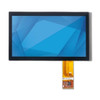
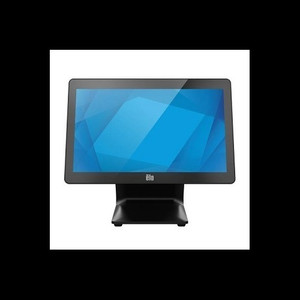
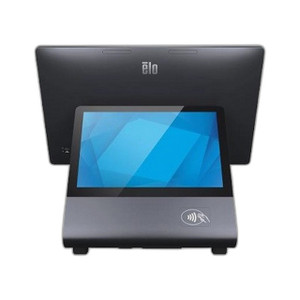
ELO Touch E270963 15.6-Inch Touchpro PCAP Touchscreen
Overview
The ELO Touch E270963 is a 15.6-inch projected capacitive (PCAP) touchscreen display module designed for fixed control stations in security operations centers, command centers, and enterprise monitoring environments. This is a display-only component — it integrates into existing system architectures where a primary control computer or VMS platform supplies video and control signals. The PCAP touch surface eliminates drift common in older resistive screens, delivering consistent multi-touch responsiveness across thousands of activation cycles.
Compatibility
The E270963 is a standalone display module compatible with any system architecture that can output standard video signals (HDMI, VGA, or DisplayPort depending on your configuration) and accept USB touch input. Typical integration scenarios include mounting as a secondary display in NVR control rooms, integrating into custom video wall frames, or deploying as a replacement panel in existing ELO display enclosures. Verify your host system's video output and touch input support before ordering; most modern VMS platforms (Milestone, Genetec, Axis Camera Station) and recording systems support USB-HID touch devices natively.
Installation Notes
The E270963 mounts via standard VESA 75×75mm or 100×100mm bracket holes on the rear panel — use a compatible monitor arm or wall mount rated for 15.6-inch displays. Power requirements depend on your configuration; verify your system's USB and video output specifications match the display's input connectors before installation. Position the display to minimize direct sunlight and reflective glare on the PCAP surface, as these can degrade touch accuracy in high-ambient-light environments. Avoid pressure or impact to the PCAP panel during handling — capacitive touch surfaces are durable but not impact-resistant like industrial-grade glass.