
Cannabis Video Retention and Storage Sizing
Storage sizing for cannabis surveillance is not optional math — undersizing the NVR means either missing retention (a compliance failure) or expensive storage retrofits later. This guide walks through the calculation, with representative examples by facility type and state retention window.
Bottom Line
Plan 10 to 14 GB per camera per day for 4MP H.265+ continuous recording. A 32-camera cannabis facility at 90-day retention needs 35 to 40 TB of usable storage, plus 25-33 percent RAID 6 overhead — so size the NVR for 50 to 55 TB of total drive capacity. For 180-day retention, double. For 4K cameras at premium positions, add 1.5 to 2x per camera for those specific cameras.
Our team sizes NVR storage for cannabis deployments regularly. The calculations below reflect real deployments, not theoretical worst-case math.
Best For
- Cannabis operators sizing NVR storage for new or refresh deployments
- Multi-state operators standardizing NVR specs across license jurisdictions
- Facility managers responding to storage-capacity findings in an audit
- Security integrators specifying NVRs for cannabis clients
Not For
- Non-cannabis commercial or industrial storage sizing
- Residential or consumer surveillance storage
In This Guide
The Storage Calculation
Cannabis surveillance storage depends on five variables: camera count, resolution, frame rate, codec, and retention window.
Per-camera-per-day storage (4MP H.265+):
10 fps: 6 to 8 GB/day
15 fps: 10 to 14 GB/day
30 fps: 18 to 24 GB/day
Resolution scaling (H.265+ continuous recording, 15 fps):
2MP: 6 to 8 GB/day
4MP: 10 to 14 GB/day
5MP: 14 to 18 GB/day
4K (8MP): 22 to 30 GB/day
Codec scaling: H.264 is roughly 1.6x the storage of H.265+. Most modern NVRs and cameras support H.265+ natively; verify end-to-end.
Retention multiplier: Per-camera per-day storage multiplied by camera count multiplied by retention days = raw storage needed. Add 25 to 33 percent for RAID 5 or 6 overhead.
Example calculation: 32 cameras at 4MP 15fps H.265+ for 90 days = 32 × 12 GB × 90 = 34.6 TB raw. Add 30 percent RAID overhead: ~45 TB total drive capacity needed.
Storage Examples by Facility Type
| Facility | Cameras | Resolution Mix | Retention | Raw Storage | With RAID | NVR Recommendation |
|---|---|---|---|---|---|---|
| Small Dispensary | 16 | all 4MP | 90 days | 17.3 TB | ~23 TB | XRN-1620B2 + 24TB |
| Mid-Size Dispensary | 24 | 20x 4MP + 4x 4K | 90 days | 32 TB | ~43 TB | XRN-3220B4 + 48TB |
| Large Dispensary | 32 | 26x 4MP + 6x 4K | 120 days | 59 TB | ~78 TB | PRN-3200B2 + 80TB |
| Small Cultivation | 40 | all 4MP | 90 days | 43 TB | ~57 TB | PRN-3200B2 + 60TB |
| Mid Cultivation | 60 | all 4MP | 120 days | 86 TB | ~115 TB | PRN-6400DB4-104TB |
| Large Cultivation | 100 | 80x 4MP + 20x 4K | 180 days | 260 TB | ~345 TB | Multi-NVR: 2x PRN-6400DB4-160TB |
| Canadian Cultivation | 60 | all 4MP | 365 days | 263 TB | ~350 TB | Multi-NVR: 2x PRN-6400DB4-160TB |
Always size the NVR for 150 percent of the minimum retention to provide a buffer against seasonal volume spikes, audit-trigger incident archiving, and unexpected retention extensions.
Optimizing Storage Without Compromising Compliance
The temptation to reduce storage costs by dropping resolution or frame rate is real but risky. Optimizations that work without compliance risk:
Use H.265+ everywhere. 40 to 60 percent storage reduction versus H.264 at equivalent quality. This is the single biggest optimization available.
15 fps instead of 30 fps. State programs rarely require 30 fps; 15 fps is typically sufficient for usable footage. Halves the storage requirement.
Resolution match to position. 4K only at POS and vault; 4MP for grow rooms and general coverage; 2MP for low-priority back-of-house. Do not overspec resolution everywhere.
Tiered storage architecture. First 30 days on fast local NVR storage; days 31 to 180 on slower archival storage (second-tier NAS or cloud). Major VMS platforms support this natively.
Not recommended: dropping below state minimum retention; using motion-triggered recording on operational cameras; disabling audit-trail logging. All of these fail compliance.
Recommended NVRs by Storage Target
NVR picks matched to storage capacity requirements. Size based on camera count and retention window.
Hanwha
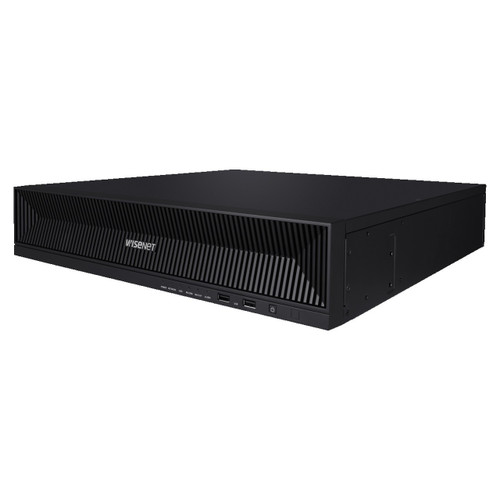
Hanwha XRN-1620B2 16-Channel 4K NVR
XRN-1620B2
Hanwha 16-channel 4K NVR. Paired with 24TB drive capacity, supports 90-day retention at 4MP continuous recording.
Hanwha
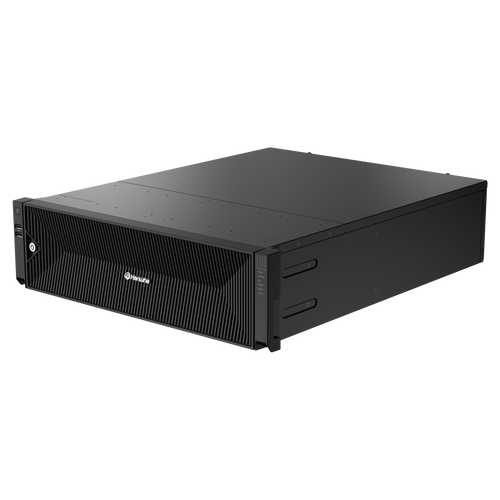
Hanwha XRN-3220B4 32-Channel 8K Network Video Recorder
XRN-3220B4
Hanwha 32-channel 8K NVR. Paired with 48TB, supports mid-size deployments at 90-day retention. RAID 5/6 capable.
Hanwha
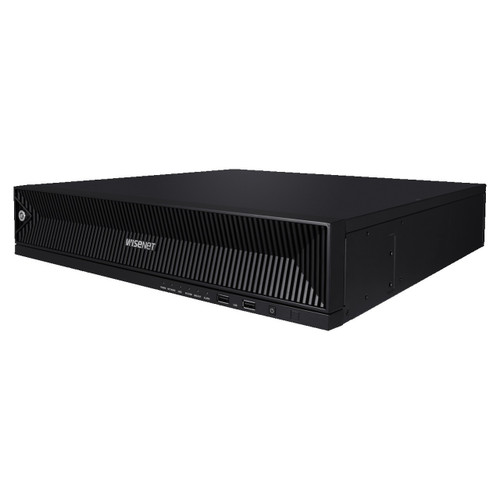
Hanwha PRN-3200B2 32CH 8K 400Mbps H.265 AI NVR
PRN-3200B2
Hanwha 32-channel 8K AI NVR with expansion to 104TB. Default cultivation NVR for 30-40 cameras at 90-120 day retention.
PRN-6400DB4
Hanwha 64-channel 8K AI NVR. 160TB option handles 60+ camera cultivation at 90-180 day retention.
Frequently Asked Questions
How do I calculate storage for my cannabis facility?
Per-camera-per-day (typically 10-14 GB for 4MP H.265+) × camera count × retention days = raw storage. Add 25-33 percent for RAID overhead. Size NVR for 150 percent of minimum retention as buffer.
What happens if storage runs out mid-retention-window?
The NVR overwrites the oldest footage first, creating a retention gap. An audit would find the gap and flag it as a compliance failure. This is why sizing for 150 percent of minimum retention is important.
Can I use cloud storage for cannabis retention?
Varies by state. Some states require on-premise storage as primary; others accept cloud. Cloud can work as secondary archival (tier 2) even in states that require on-premise primary. Check your specific state program.
Is H.265+ reliable for cannabis compliance?
Yes. H.265+ is the industry standard for commercial surveillance with no compliance concerns. The 40-60 percent storage reduction versus H.264 is the single biggest cost optimization available.
Should I use RAID 5 or RAID 6?
RAID 5 minimum; RAID 6 recommended. RAID 5 tolerates one drive failure; RAID 6 tolerates two. For cannabis deployments where a storage failure can cost the license, RAID 6 is worth the additional drive cost.
How often should NVR storage be monitored?
Continuously. Most NVRs support SMART monitoring with alerts on drive health. Set up email or mobile notifications for storage-capacity warnings and drive-failure predictions. Replace drives on predictive alerts, not after failure.
No Bots, Just Experts
No bots, just experts. Free pre-sales support for every customer — product questions, BOM quotes, compatibility checks, price confirmation — typically answered within one business day. Paid services available like full system design, remote installation, and more. Got a BOM ready? Free project-pricing quote with volume discount on qualifying orders. Need the BOM designed first? Engineering time is $175/hour — we scope the hours with you before purchase, then deliver the designed BOM. Hardware buyers get up to one hour ($175) credited back against their order as a thank-you.