
Mounting Brackets & Kits
Sub categories
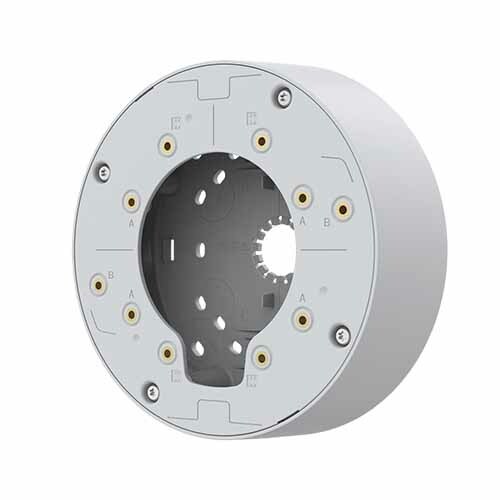
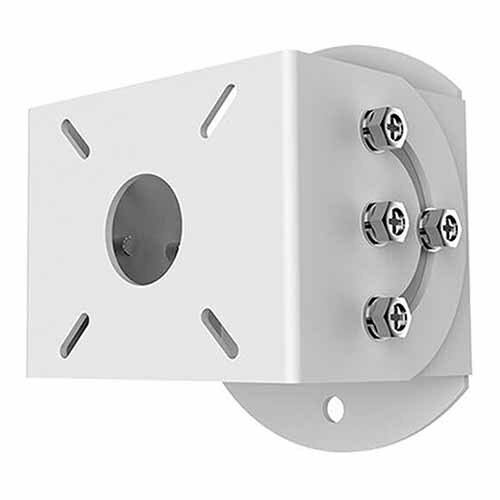
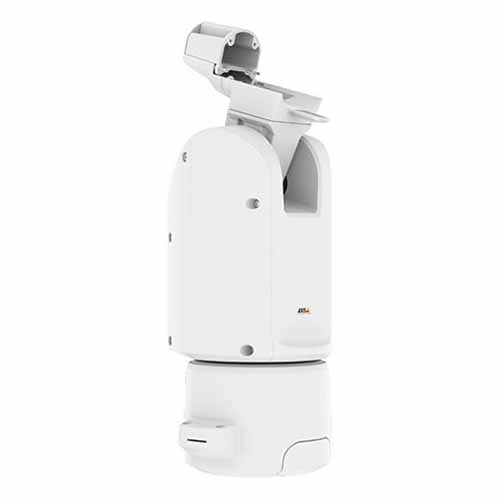
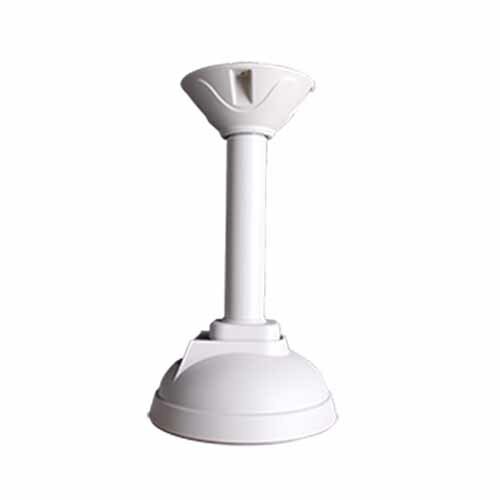

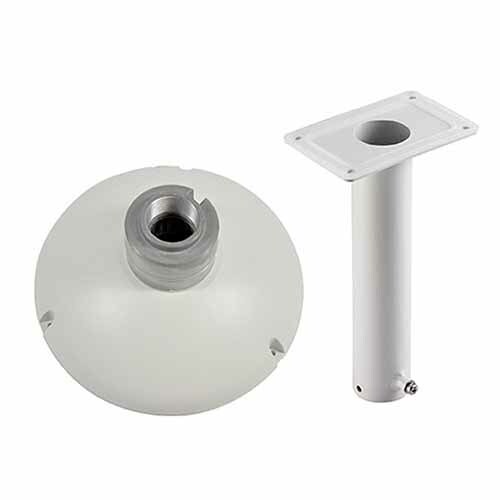
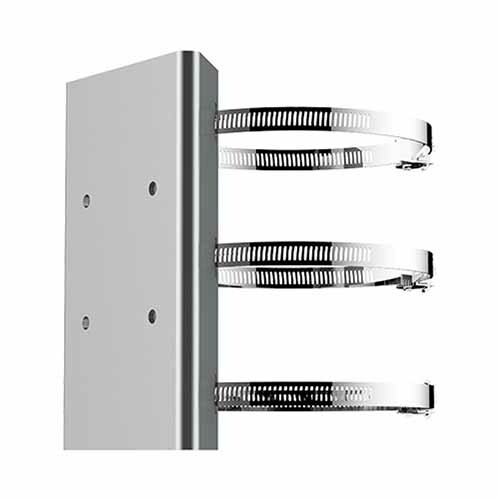
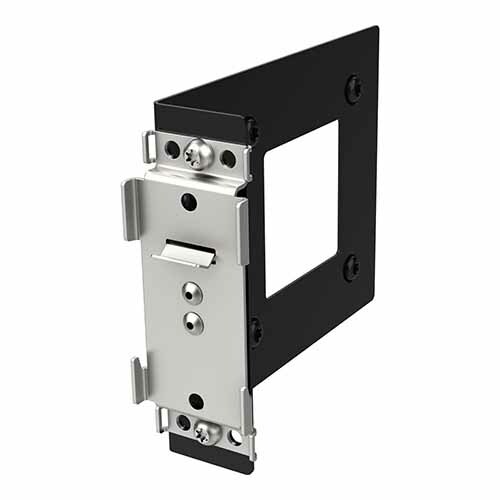
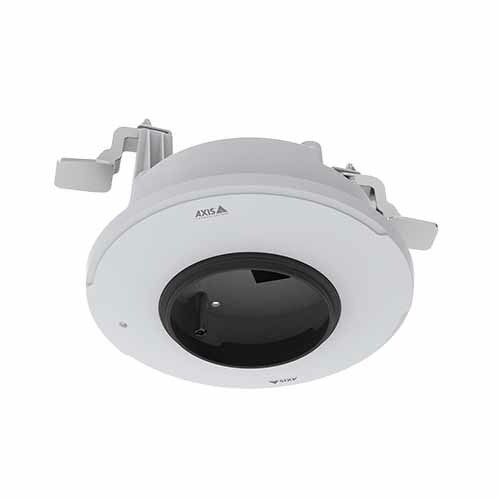
Showing Results for Mounting Brackets & Kits
-

ELO Touch
SKU: E419081
ELO Touch KIT I-series Side Mount Audio Bl-rszq - E419081
- Genuine OEM parts ensure factory-spec fit for I-series audio subsystem repairs.
- Complete kit includes all brackets and fasteners, eliminating separate hardware sourcing.
- Side-mount configuration supports field replacement without display disassembly.
$100.00 $99.99 Save $0.01 -
ELO Touch
SKU: E351978
ELO Touch Mounting Bracket FOR I-series FOR Android - - E351978
- Mounting bracket for ELO I-Series Android terminals
- Designed for Wallaby stand mounting systems
- Vertical or angled display positioning
$103.00 $102.99 Save $0.01 -
ELO Touch
SKU: E244791
ELO Touch Mounting bracket I-Series for Windows 2.0 - E244791
- Secures I-Series Windows 2.0 displays to Wallaby stands for fixed-mount deployments.
- Purpose-built bracket eliminates fitment guesswork during kiosk or stand installation.
- Factory-new condition ensures full US warranty coverage on every installation.
$87.00 $86.99 Save $0.01 -

ELO Touch
SKU: E045151
ELO Touch Pole Mount Bracket I-Series and 02-Series - E045151
- Mounts ELO I-Series and 02-Series displays to vertical poles without wall anchors.
- Fits standard 1.5- to 2-inch diameter steel pipe for flexible kiosk and workstation builds.
- Integrated mounting points and provided fasteners streamline secure display attachment.
$105.00 $104.99 Save $0.01 -
ELO Touch
SKU: E048069
ELO Touch Pole Mount Floor Stand for I-Series - E048069
- Enables freestanding floor deployment of I-Series displays where wall mounting is unavailable.
- Provides a stable independent base, eliminating the need for fixed structural wall anchors.
- Designed exclusively for ELO Touch I-Series; verify model compatibility before ordering.
$469.00 $437.99 Save $31.01 -

ELO Touch
SKU: E393015
ELO Touch TH10 Trigger Handle FOR M50 - E393015
- Designed exclusively for the M50 terminal, ensuring mechanical fit with no modification.
- Trigger handle enables ergonomic one-handed operation in mobile scanning deployments.
- Integrates directly with M50 frame mounting points for secure, stable handheld use.
$216.00 $199.99 Save $16.01 -
ELO Touch
SKU: E698263
ELO Touch Vesa Mount FOR 02/03 Monitors ON Wallaby - E698263
- VESA-compliant bracket ensures secure, repeatable mounting of ELO 02/03 monitors.
- Compatible with Wallaby countertop and floor stands, simplifying multi-unit rollouts.
- Factory-new condition supports consistent deployment across large-scale installations.
$39.00 $38.99 Save $0.01 -
ELO Touch
SKU: E000404
ELO Touch Vesa Plate - E000404
- VESA-compliant pattern simplifies wall, stand, or arm mounting for Elo displays.
- Designed specifically for Elo Touch displays and touchscreens for assured fit.
- Factory-new condition ensures reliable installation in kiosk and retail deployments.
$20.00 $19.99 Save $0.01 -
ELO Touch
SKU: E000405
ELO Touch Vesa Plate - E000405
- VESA-standard mounting pattern ensures compatibility with existing wall-mount hardware.
- Designed specifically for ELO Touch display family, guaranteeing secure mechanical fit.
- Supports fixed wall-mount installations in retail, hospitality, and industrial deployments.
$20.00 $19.99 Save $0.01 -
ELO Touch
SKU: E000448
ELO Touch Vesa Plate 1523L Black - E000448
- OEM VESA plate ensures exact fit and alignment with the ELO Touch 1523L housing.
- Compatible with standard VESA wall mounts, arms, and kiosk enclosure systems.
- Black finish integrates cleanly with 1523L bezel in retail and industrial installs.
$20.00 $19.99 Save $0.01 -
ELO Touch
SKU: E143088
ELO Touch Wall mount for I-Series 02-Series Monitors - E143088
- Supports I-Series, 02-Series, and 03LM-Series monitors for broad fleet compatibility.
- Fixed wall-mount form factor frees floor space in POS, kiosk, and access-control installs.
- Factory-new OEM bracket ensures fit and maintains full US manufacturer warranty coverage.
$34.00 $33.99 Save $0.01 -

Epson
SKU: C32C845040
Epson C32C845040 Wall Mount Bracket for Thermal Receipt Printers
Wall mount bracket for Epson thermal receipt printers—reclaim counter space
- Wall mount bracket for thermal receipt printers
- Frees counter real estate by mounting vertical
- OEM bracket for Epson POS retail deployments
$65.30 $64.99 Save $0.31 -

Epson
SKU: C32C881017
Epson C32C881017 Wall Mounting Bracket for M30 Series Printers
Wall bracket for Epson M30 series receipt and label printers
- Wall mounting bracket for Epson M30 series printers
- Frees counter space at retail/QSR POS sites
- OEM-spec direct-fit bracket at 0.4 lb
$66.30 $65.99 Save $0.31 -

Epson
SKU: C32C881018
Epson C32C881018 Wall Hanging Bracket for M30II-SL
Wall bracket for Epson M30II-SL receipt and label printer
- Wall hanging bracket for M30II-SL compact printer
- Solves desktop footprint constraint at retail counters
- Wired connection bracket for thermal POS installs
$55.60 $54.99 Save $0.61 -
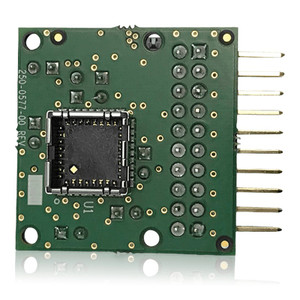
FLIR
SKU: 421-0083-00
FLIR 180 degree Wall Mount Kit - 421-0083-00
- 180-degree wall mount kit for FLIR cameras
- Enables corner and wrap-around camera installations
- Powder-coated aluminum/stainless for outdoor weather
$432.99 $316.99 Save $116.00 -
Mounting Brackets & Kits
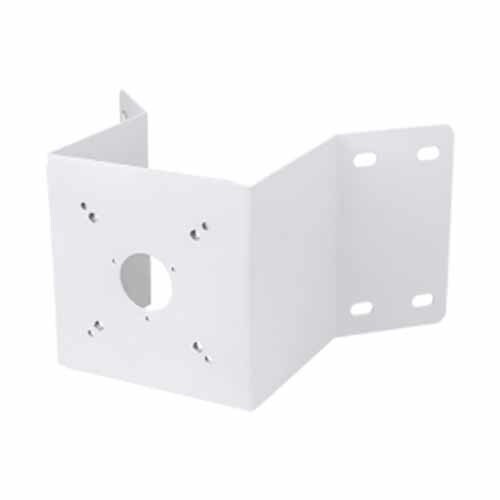
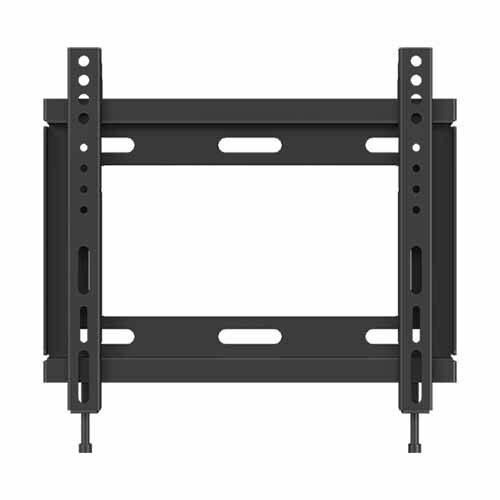
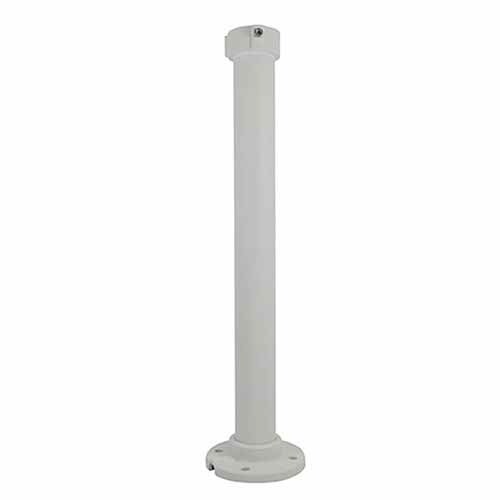
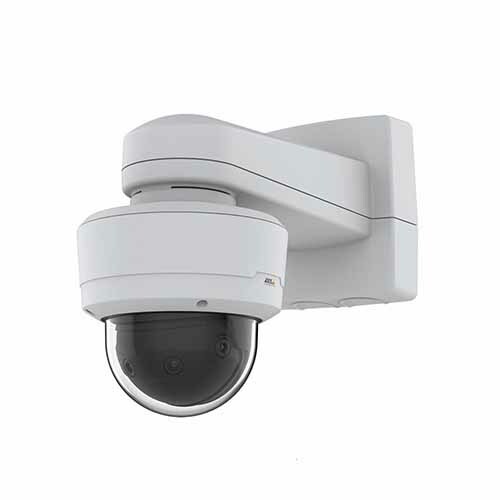
Mounting brackets and kits provide secure and stable installation for IP cameras, intercom systems, access control devices, and related security equipment. Selecting the correct mounting solution ensures proper device alignment, weather protection, and long-term reliability.
Plan Your Deployment
- Wall, ceiling, pole, or corner mounting requirements
- Indoor vs outdoor environmental exposure
- Device model compatibility and load capacity
- Vandal resistance and tamper considerations
- Future service access and cable routing planning
Mounting Brackets & Kits — Engineering-Grade Installation Accessories for Commercial Deployments
This category covers 1048 working models of mounting brackets & kits sourced manufacturer-direct or through channel-direct US distribution. Build the rest of your system around the architectural choices below — compatibility, environmental rating, and lifecycle decisions made here propagate through every downstream component you specify.
What to Look For
Compatibility comes first. Mounting brackets, housings, and adapters are specific to the camera or device they support — the same manufacturer often makes parallel lines that don't share accessories. Verify the part number against the camera/device datasheet or compatibility list before ordering. Installation labor consumed troubleshooting a mismatched mount is the most common rework on commercial jobs.
Environmental rating determines material and finish. Indoor accessories typically use steel or aluminum with a powder-coat finish; outdoor accessories need stainless steel or specifically-rated coastal-grade finishes for salt-air resistance. UV exposure degrades plastic over years; choose UV-stabilized polymers or metal for sun-exposed installs. Plan for replacement at year 7-10 on outdoor plastic accessories.
Mounting load capacity must exceed device weight by a healthy margin. Camera weight, housing weight, and any wind loading on PTZs combine. Wall, ceiling, and pole mounts each have rated maximum loads — check before specifying. Pole-mount and pendant-mount installations need conduit, junction boxes, and weather-sealing that aren't always specified in the camera kit.
Wire management and accessibility for service get overlooked in early planning. Bottom-loaded cable entry in housings, swing-out mounting plates, and accessible junction boxes save hours when a camera needs service. Cheap mounts that require complete dismount to access cables drive labor cost up at every service call. Specify service-friendly mounting hardware on installs you expect to service for 10+ years.
Key Specs in This Category
| Spec | Available Options |
|---|---|
| Resolution | 2MP, 4MP, Thermal, 8MP, 6MP, 20MP+, 5MP, 16MP |
| IP Rating | IP65, IP66, IP42, IP68, IP67, IP33, IP43, IP30 |
| Connectivity | Wired, Bluetooth, Wi-Fi, Cellular |
| Power | PoE, PoE+, AC/DC, Battery, PoE++, 24VAC, 12-24V AC/DC |
| Channels | 8, 16, 4 |
| Storage | microSD |
Top Brands in This Category
Frequently Asked Questions
Will this mount work with my camera?
Mounts are camera-specific in most cases. The product description and manufacturer's compatibility list are the authoritative source. If you're not certain, send the camera model and the mount part number to our Senior Specialists; we'll confirm compatibility before you order. Returning a mismatched mount after installation labor is significantly more expensive than checking up front.
Do I need a junction box?
For most outdoor and exposed-conduit camera installs, yes — junction boxes house cable terminations and protect splices from weather. The camera's mounting requirements often specify the junction-box size and material. Some camera-and-mount combinations integrate the junction box into the mount; others require a separate box. Confirm before ordering to avoid pulling cable into an installation that can't accept it.
What's the difference between a wall mount and a pendant mount?
Wall mounts attach to vertical surfaces and project the camera outward. Pendant mounts attach to ceilings or overhead structures and suspend the camera below. Pole mounts are a specialized wall mount for poles. Choose by the mounting surface available and the field-of-view orientation required; many cameras work in any mount with the right adapter.
Are stainless steel mounts worth the extra cost?
For outdoor coastal installs (within ~5 miles of saltwater), yes — galvanized steel rusts visibly within 2-3 years in coastal air. For inland outdoor, marine-grade is overkill; powder-coated galvanized lasts 10+ years. For corrosive industrial environments (chemical plants, wastewater), stainless steel or specifically-rated coatings extend service life dramatically. Match the material to the environment, not the budget pressure.
Can I use one brand's mount with another brand's camera?
Sometimes — many mounts accept standard mounting patterns (¼-20 thread, M6 pattern, VESA spacing) and cross brands. Manufacturer-specific cast housings rarely do. Check the mount's hole pattern and weight rating against the camera's specs. When in doubt, use the camera manufacturer's recommended mount; cross-brand savings on mounts are typically small and the warranty implications of mismatched hardware aren't worth the risk.
Need help choosing? Talk to a Senior Specialist — direct line 877-277-7147 or request a quote.