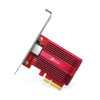
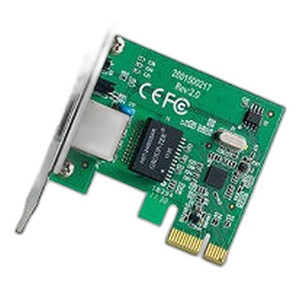
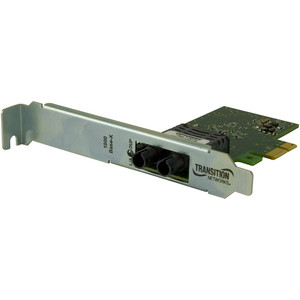
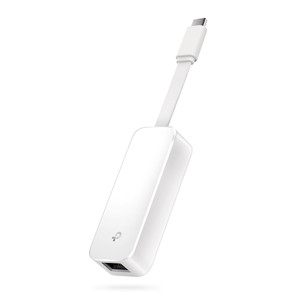
TP-Link TX401 10 Gigabit PCIe Network Adapter
Overview
The TX401 is a single-port 10 Gigabit Ethernet PCIe adapter for servers and workstations where onboard NIC capacity is exhausted or unavailable. It seats directly into a standard PCIe x4 (or higher) slot, delivering 10 Gbps throughput over copper RJ-45 — meaning you can upgrade existing infrastructure without replacing switches or running new fiber runs. The card draws power from the PCIe bus alone; no external supply required.
Compatibility
Works with any server or workstation with an available PCIe x4 or x8 slot. Verify before ordering: the TX401 requires a full-height PCIe slot (half-height chassis may require adapter brackets, not always available). Supports Linux, Windows, and standard enterprise operating systems with vendor-supplied or downloadable drivers. Confirm your chassis documentation for available slot position and lane count — x4 is the minimum recommended for sustained 10G performance.
Installation Notes
Power down the system completely before installation. Locate an available full-height PCIe slot, remove the bracket cover, align the card with the slot, and press firmly until the retention clip engages. Install drivers via vendor media or download immediately after boot. The adapter requires no external power and no thermals — passive operation simplifies rack deployment. Verify driver compatibility with your OS distribution before installation to avoid boot issues.
What's in the Box
- 1x TP-Link TX401 10 Gigabit PCIe adapter
- 1x full-height PCIe bracket
- 1x quick-start installation guide