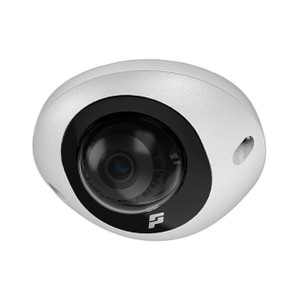
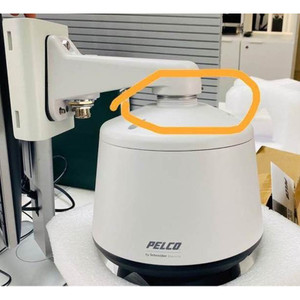
Pelco FLDSUP-CONFIG Onsite VMS Configuration Service
FLDSUP-CONFIG is a one-day (8-hour) professional services engagement for initial or expanded Pelco video management system (VMS) deployment. This service addresses the gap between hardware installation and operational readiness: after your cabling runs are terminated and cameras mounted, a Pelco field engineer arrives on-site to configure the VMS software, validate hardware integration, and optimize system performance to your specific operational requirements.
Overview
Configuration work includes VMS installation verification, camera naming and baseline setup, user account creation with role-based access controls, alarm rule configuration tied to analytics triggers, recording schedule definition, analytics profile customization per camera (motion detection sensitivity, object tracking, people counting parameters), map configuration for operator navigation, and Pelco license activation. The service is recommended when you've completed physical installation or are expanding an existing system, or when an operational system needs reconfiguration to match changed business rules. Scope is customizable during quoting to fit your deployment size—eight hours is sufficient for single-building single-VMS engagements; larger or multi-site expansions may require additional days (purchased separately).
Compatibility
Applicable to Pelco-branded video management systems and directly connected Pelco camera product lines—no third-party camera integration is assumed in the baseline scope. Verify with Pelco pre-purchase that your specific VMS version and camera models are targeted in the engagement statement of work.
Scope Limitations
Software license activation is included, but licenses themselves must be purchased separately before the service begins. Network integration, security hardening, or integration with non-Pelco third-party systems (access control, building management) beyond basic ONVIF protocol validation falls outside this service boundary; address those requirements separately or request custom SOW language during quoting.