
Axis Camera Station Setup and Comparison Guide
Axis Camera Station is the VMS that ships natively with Axis cameras and integrates with the broader Axis ecosystem (recorders, intercoms, audio, analytics). This guide covers the editions, hardware sizing, deployment patterns, and how it compares to Genetec and Milestone for working integrators choosing a VMS for a new Axis-based site.
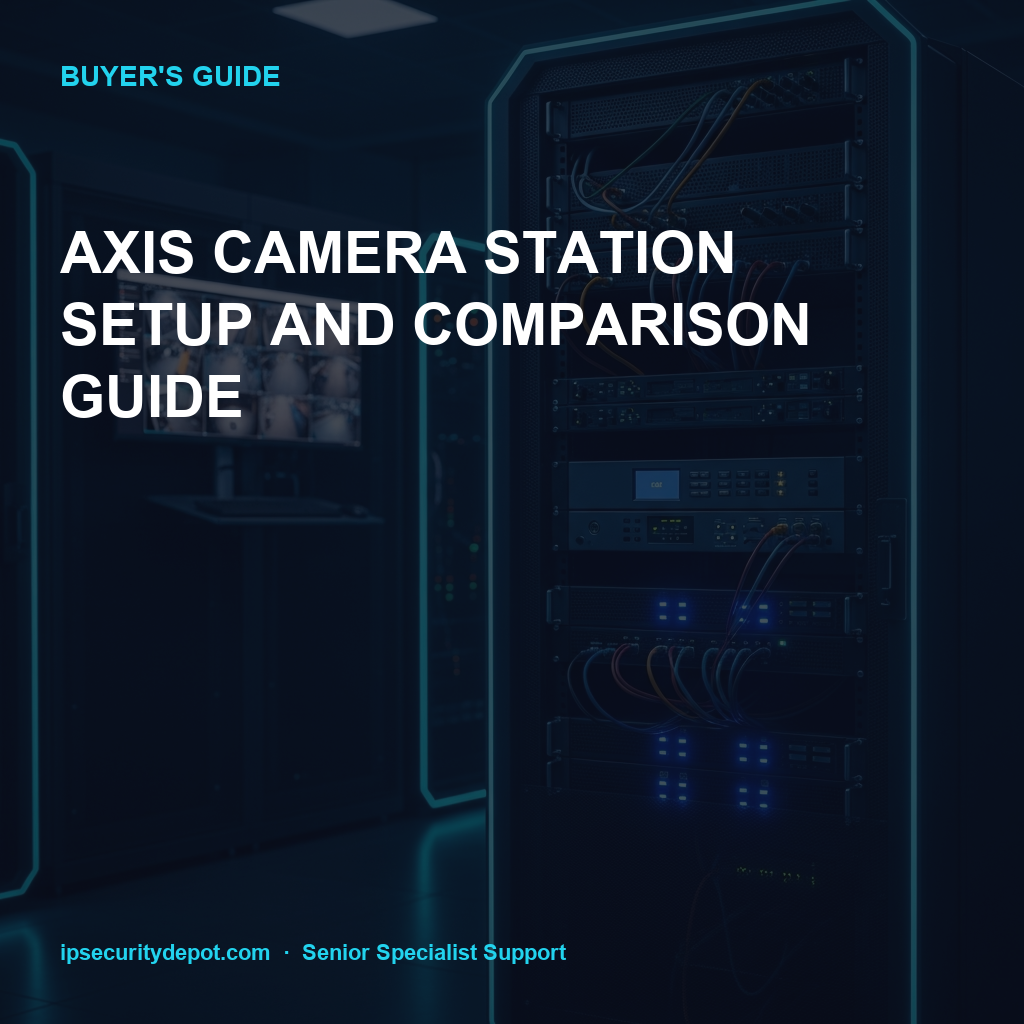
- Camera Station Pro is the current name (replaced Camera Station 5 and Camera Station Edge in 2024)
- Per-channel licensing is the dominant cost — plan device counts carefully before quoting
- Pre-built Camera Station servers and recorders are cheaper than building a Windows box from parts
- Camera Station integrates with door stations, audio, analytics natively — third-party VMS adds complexity
Camera Station Pro, Edge, and S-Series
Axis Camera Station ships in three flavors:
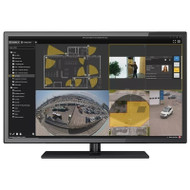
- Camera Station Pro (formerly Camera Station 5). The full Windows server VMS. Up to several hundred channels per server. The default choice for sites of 16+ cameras, multi-site rollup, or sites requiring analytics, federation, or integrations.
- Camera Station Edge. A lightweight subscription model running on the camera itself or a low-cost edge device. Best for small sites of 1-8 cameras where Pro's hardware footprint is overkill.
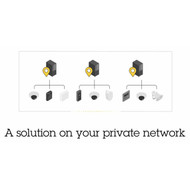
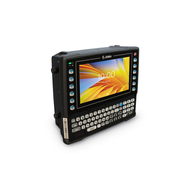
- Camera Station S-Series. Pre-built turnkey appliances (S1148, S1216, S1232, etc.) with Camera Station Pro and surveillance-rated storage pre-installed. The "buy a box" route for integrators who want fewer Windows-licensing and IT headaches.
Hardware sizing by site
Sizing Camera Station Pro hardware by camera count:
| Site size | Server option | Storage @ 30 days | Typical hardware cost |
|---|---|---|---|
| 1-8 cameras | Camera Station Edge or S1148 | 1-4 TB | $1,500-$3,500 |
| 8-24 cameras | S1216 or S1232 | 4-12 TB | $4,500-$8,500 |
| 24-64 cameras | S1248 / S1264 / custom Windows | 12-32 TB | $9,000-$18,000 |
| 64+ cameras | Multiple S-series or custom rack | 32 TB+ | Quote per channel |
Pre-built S-series appliances
Recommended Axis cameras
Most popular Axis cameras paired with Camera Station deployments:
Licenses and device packs
License options and device packs:
Compared to Genetec and Milestone
Quick comparison vs. the other two VMS platforms most often quoted alongside Camera Station:
| Feature | Axis Camera Station Pro | Genetec Security Center | Milestone XProtect |
|---|---|---|---|
| Best for | Pure or majority-Axis sites | Mixed-vendor enterprise | Mixed-vendor mid-market |
| Channel cost | Lowest for Axis | Higher | Mid-tier |
| Third-party camera support | Limited (ONVIF) | Extensive | Extensive |
| Door station integration | Native (A8207, I8016) | Add-on | Add-on |
| Analytics integration | Native AXIS Object Analytics, License Plate Verifier | ACAP + third-party | Milestone Open Platform |
| Learning curve | Lower for Axis-only deployments | Steepest | Moderate |
| Multi-site federation | Yes via Connect | Strongest | Yes via Federated |
Deployment checklist
Deployment checklist for a new Camera Station Pro site:
- Order the right S-series appliance or specify Windows Server hardware with surveillance-rated drives
- Cable cameras to a managed PoE switch with adequate budget (45-60W per camera for PTZ; 15-30W for fixed)
- Install Camera Station Pro client on operator workstations (Windows only)
- Add cameras by discovery or manual IP; assign each to a recording profile
- Configure storage retention and motion-based recording (continuous record is rarely needed)
- Build views and layouts for each operator role
- Set up access permissions (separate operator, manager, admin tiers)
- Configure backup or failover server if site requires high availability
- Test end-to-end before client hand-off — playback, export, alarm response, off-site access
Frequently asked questions
- Is there an ongoing subscription cost?
- Camera Station Pro itself is perpetual-license — buy the channels once and they don't expire. Camera Station Edge is subscription. You'll want a Software Maintenance Agreement (SMA) to get firmware updates and support — that's typically 18-25% of license cost per year.
- Can Camera Station Pro run on Linux or Mac?
- No. The server runs on Windows Server only. Client viewing is Windows only as well, with web-browser access from any platform via the Camera Station Mobile app or browser. If Linux is a hard requirement, consider Genetec or Milestone.
- How many cameras can one Camera Station Pro server handle?
- Officially 200+ channels per server depending on hardware spec and stream profiles. Real-world ceiling is usually network bandwidth and storage I/O before CPU. For sites over 150 channels, plan for either a beefier server or a federated multi-server setup.
- Do I need Axis cameras to use Camera Station Pro?
- No — Camera Station Pro supports ONVIF Profile S cameras from most vendors. That said, it's optimized for the Axis stack: analytics, door stations, audio products, network speakers all integrate natively. The further you stray from Axis, the more friction you'll hit on advanced features.
- How is licensing counted for multi-sensor cameras?
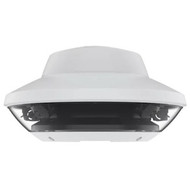
- Each sensor consumes one channel license. A 4-sensor panoramic camera (like the AXIS P3719-PLE) uses 4 channel licenses. Plan accordingly in your channel count when quoting.
Quote an Axis Camera Station system
Working integrators get channel-direct pricing on Camera Station appliances, licenses, and cameras. Senior Specialists can spec a system from a basic site plan or camera list.
Quote Camera Station Pro Browse all Axis products