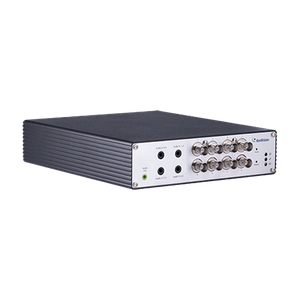
Geovision GV-VW Video Wall Server 1 Port Upgrade Module
Overview
The Geovision GV-VW is a dedicated 1-port upgrade module that extends display output capacity on existing Geovision video wall server systems. This accessory is built for control room operators and security integrators who need to scale multi-monitor layouts without replacing core infrastructure. Rather than over-provisioning hardware at project start, you add port capacity on-demand as monitoring requirements grow — a cost-efficient approach for facilities expanding coverage or adding redundant display paths.
Compatibility
The GV-VW integrates directly into Geovision video wall server platforms running GV-VMS (up to 32 channels) or GV-VMS Pro (up to 64 channels) on 64-bit Windows 8, 8.1, 10, 11, Server 2012 R2, Server 2016, Server 2019, or Server 2022 with 8 GB or 16 GB RAM. The upgrade maintains full compatibility with Geovision's video management software ecosystem, including support for GeoVision native cameras and third-party ONVIF devices. The system supports H.264, H.265 GPU decoding and works with GeoVision's dual-stream architecture for independent monitoring and recording streams. Confirm your existing video wall server model before deployment — this module is designed as an add-on to current GeoVision installations, not as a standalone product.
Installation Notes
Mount the GV-VW module directly into the video wall server frame. No external power supply is required beyond the system's existing PSU. Connect the output port to your display using standard display cabling (HDMI or DVI depending on module revision — verify with your GeoVision documentation). Ensure your host system has sufficient PCIe slot availability and that your Windows OS matches the supported versions listed above. No additional software license is required; the module operates under your existing GV-VMS or GV-VMS Pro license.