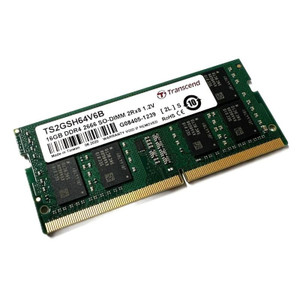
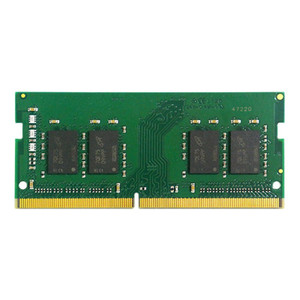
QNAP RAM-4GDR4T1-SO-2666 4GB DDR4 SO-DIMM Memory Module
Overview
The RAM-4GDR4T1-SO-2666 is a 4GB DDR4-2666 SO-DIMM module in the 260-pin T1 form factor, designed to expand RAM in compatible QNAP NAS systems. Adding memory directly increases the number of simultaneous users, active volumes, and concurrent applications — particularly relevant when running surveillance workloads or virtualization alongside standard NAS file services. If your QNAP appliance is showing sluggish response under multi-drive rebuild, VM load, or heavy transcoding, this module addresses the bottleneck at the source.
Compatibility
This module is designed specifically for QNAP NAS appliances that accept DDR4-2666 SO-DIMM memory. Consult QNAP's published compatibility list for your specific enclosure model before ordering — not all QNAP NAS enclosures share the same memory slot configuration, and some support ECC-only or alternative speeds. The 260-pin SO-DIMM form factor is standard across many QNAP 2-bay through 8-bay desktop and rackmount units, but slot count and maximum addressable RAM vary by chassis. Verify your model's memory specification before purchasing to avoid a return.
Installation Notes
Installation requires physical access to the NAS interior. Loosen the screws on the rear panel, remove the case cover, and locate the SO-DIMM slot on the motherboard. The module seats at an angle and clicks flat into the retention clips — no tools are required beyond what's needed to remove the case. Ground yourself before handling to avoid static discharge. Power down and unplug the unit completely before opening. After reseating the cover and powering on, confirm the new capacity is recognized in the QNAP management interface under System > Hardware Information.