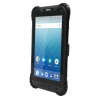
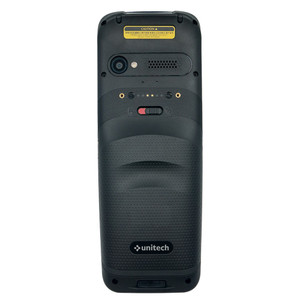
Unitech 401536G Glass Screen Protector
Overview
The Unitech 401536G is a glass screen protector engineered for the TB85 mobile computer. This accessory shields the device's 5-inch display from scratches, cracks, and abrasion caused by repeated contact with hands, pockets, loading dock surfaces, and warehouse handling. The glass layer protects your investment in the TB85 without degrading touch responsiveness or blocking the integrated 1D/2D optical scanning window — critical when running continuous barcode capture operations across retail shelves, cross-dock environments, or field service routes where screen damage translates directly to downtime and repair costs.
Compatibility
This protector is manufactured for the Unitech TB85 mobile computer platform exclusively. Verify your exact TB85 model variant before ordering — glass protectors are precision-fit to device dimensions and touch-sensor calibration. Do not attempt installation on TB series variants outside the TB85 line, as dimensional tolerance is tight and misalignment will either prevent proper seating or interfere with touch registration.
Installation Notes
Glass screen protectors require meticulous surface preparation. Remove any existing screen film using minimal force to avoid scratching the underlying display. Clean the TB85 screen thoroughly with a microfiber cloth to eliminate dust, fingerprints, and oils — even small particles trapped beneath the protector will create permanent visibility defects and touch dead zones. Apply the protector using standard glass-screen technique, working from one edge to avoid air bubbles. Allow the adhesive to set fully (typically 2–4 hours) before exposing the TB85 to moisture, operational stress, or scanning use. Once seated, confirm that the 1D/2D imager window is completely unobstructed and that touchscreen response remains uniform across the display corners and edges.