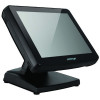
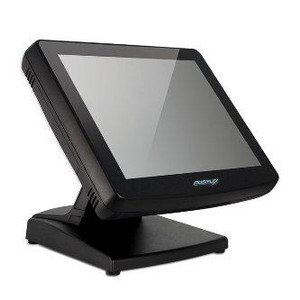
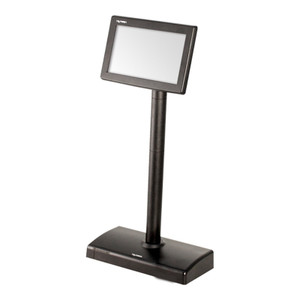
Posiflex KS7515T11DFE 15-inch Resistive Touch POS Terminal
Overview
The Posiflex KS7515T11DFE is a 15-inch resistive-touch terminal built around an Intel B830 processor running at 1.8 GHz with 4GB DDR3 RAM. This configuration delivers adequate performance for point-of-sale environments where you need a compact all-in-one display and processor package without the power draw or heat footprint of higher-end commercial systems. The resistive touch surface tolerates gloved operation and wet-finger input — meaningful in retail, food service, and warehouse picking stations where capacitive screens fail or require constant cleaning. Deploy this where you need a fixed POS workstation with integrated computing rather than a thin-client display.
Compatibility
The KS7515T11DFE integrates with Posiflex POS software ecosystems and standard Windows-based retail management platforms that support x86 processors. Verify USB and network port compatibility with your payment terminal, barcode scanner, and receipt printer before deployment — this unit provides standard connectivity options but does not include integrated payment or label-reading hardware. It fits Posiflex mounting brackets and dock configurations designed for the KS75-series footprint.
Installation Notes
Mount the terminal on a counter stand, wall bracket, or integrated POS pedestal using the provided mounting interface. Ensure power outlet or PoE delivery is within 6 feet of the installation point — the B830 processor draws steady current during shift operations. Position the screen to minimize direct sunlight on the resistive surface, which can affect touch responsiveness over time. Allow 2–3 inches of clearance on all sides for ventilation; the compact form factor relies on natural airflow rather than active cooling. Connect peripherals (scanner, printer, payment device) via USB 2.0 or Ethernet ports before powering on to avoid driver conflicts.
What's in the Box
- 1x Posiflex KS7515T11DFE 15-inch terminal with integrated processor and RAM
- 1x Power cable
- 1x Quick-start guide