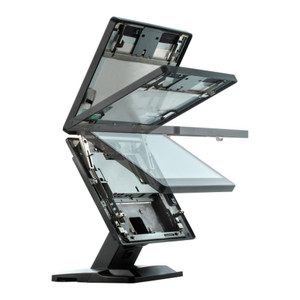
Posiflex GT570 Port Expansion Module
Overview
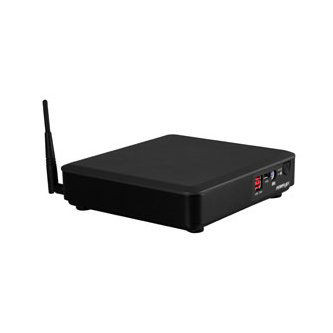
The Posiflex GT570 is a port add-on module for Posiflex GT Series terminals that extends connectivity without consuming motherboard expansion slots. It provides four USB 2.0 ports and two RJ-50 serial connectors, solving the integration problem in retail and hospitality environments where you need both legacy serial devices (pole displays, scales, kitchen printers) and modern USB peripherals (barcode scanners, payment terminals, kitchen display systems) to coexist on a single terminal. The GT570 mounts internally via a single connector on the host terminal's motherboard — power and data flow from the host, requiring no external power supply.
Compatibility
The GT570 is compatible with all Posiflex GT Series terminals. Verify your terminal's user manual for the exact internal expansion slot location and confirm that your terminal's firmware version supports port module expansion before ordering. The module connects via internal motherboard connector and does not require additional software or licensing; USB and serial ports are recognized natively by the host operating system.
Installation Notes
Power off the terminal before installing the GT570. Locate the internal expansion port on the GT Series motherboard (consult your terminal's service documentation for exact location), then seat the module firmly until the connector is fully engaged. After installation, verify that all four USB ports and both RJ-50 serial ports are accessible and not obstructed by the terminal's enclosure or adjacent cables. Test each port with a connected device before deploying the terminal to production. If your environment includes older serial devices with 9-pin or 25-pin connectors, you will need passive adapter cables to bridge the RJ-50 connection — these are not included.
What's in the Box
- 1x Posiflex GT570 port expansion module