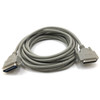
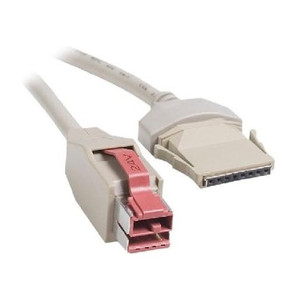
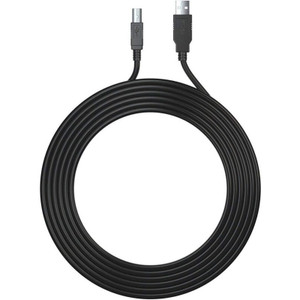
Epson CEPS-002 Bi-Directional Parallel Printer Cable
Overview
The Epson CEPS-002 is a 3-foot bi-directional parallel printer cable designed for direct connection between Epson printers and host systems using parallel (Centronics or DB-25) ports. Bi-directional support means the cable handles two-way communication — print jobs flow out to the printer, and status feedback (paper low, toner empty, error states) flows back to the host. This matters in warehouse, retail POS, and office environments where parallel connectivity is still in active use and you need real-time print job acknowledgment or error reporting rather than one-way fire-and-forget printing.
Compatibility
The CEPS-002 connects to any Epson printer model equipped with a parallel port interface (Centronics 36-pin or DB-25 parallel connector). Verify your printer supports parallel connectivity before ordering — many modern Epson thermal and impact printers have migrated to USB or network interfaces. Confirm the host system (computer, terminal, POS controller) has an available parallel port or a USB-to-parallel adapter if modernizing an older setup. No driver configuration is required beyond standard parallel port recognition on the host device.
Installation Notes
Route the cable away from high-current power lines and RF sources to minimize noise on the parallel signal lines. The 3-foot length suits tabletop and pedestal printer placements within arm's reach of the host device; for longer runs (beyond 10 feet), signal degradation increases the risk of print corruption or handshake failures — if you need extended distance, consider a parallel-to-USB adapter and relocate to USB-capable equipment. Connect firmly to both printer and host ports and power on the host before the printer to ensure proper parallel port initialization.