Black Box VG-HDMI EDID Emulator
Overview
The Black Box VG-HDMI EDID emulator is designed to maintain a consistent and optimal video signal from your source device to the display. It actively preserves the Extended Display Identification Data (EDID) handshake between the video card and the display, preventing common issues like resolution drops or signal loss during system power cycles or component changes. This ensures your video source always outputs the best possible signal for the connected display, critical for professional AV installations where signal integrity is paramount. The VG-HDMI is particularly useful in complex setups involving extenders, switchers, or when using displays with variable EDID reporting. Deploy this device to eliminate troubleshooting headaches related to display detection and resolution compatibility. The model number VG-HDMI is essential for identifying this specific EDID management solution.
Compatibility
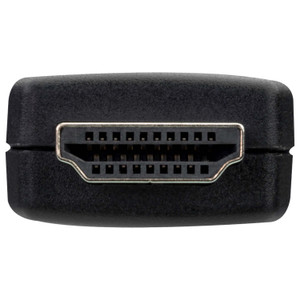
This EDID emulator is compatible with any HDMI source device, including PCs, laptops, media players, and digital signage players, that require a stable EDID signal. It functions seamlessly with any HDMI display or projector. Its primary role is to ensure the video card correctly identifies and communicates with the display, making it suitable for a wide range of HDMI-based video distribution systems. It is designed to work with standard HDMI connections, ensuring broad applicability across various AV equipment.
Installation Notes
Installation is straightforward: connect the VG-HDMI between the HDMI source and the display or the first active HDMI device in the chain (e.g., an HDMI extender transmitter). No external power is required, as it draws minimal power from the HDMI port itself. Ensure a secure connection to prevent signal interruption. The compact form factor allows for easy integration behind displays or within equipment racks without adding significant bulk.
What's in the Box