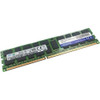
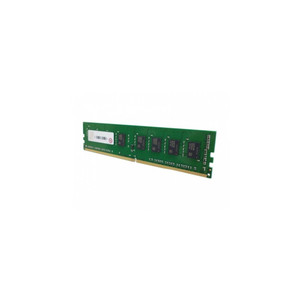
QNAP RAM-32GDR4K0-UD-3200 32GB DDR4 UDIMM Memory Module
Overview
The RAM-32GDR4K0-UD-3200 is a 32GB DDR4-3200 UDIMM memory module designed for capacity upgrades in compatible QNAP NAS systems. Running at 3200MHz, this module delivers the memory bandwidth needed for concurrent virtualization workloads, heavy multi-user SMB traffic, and in-memory caching on NAS platforms that support UDIMM slots — without requiring a complete system replacement to scale RAM headroom. The K0 version designation identifies the specific module revision qualified by QNAP for compatibility validation.
Compatibility
This module is a UDIMM form factor — verify your NAS enclosure specifically supports UDIMM slots before ordering. QNAP NAS units use either SODIMM or UDIMM depending on the chassis; the two form factors are physically and electrically incompatible. Confirm your enclosure's memory specification in the QNAP hardware compatibility list for your model series (common UDIMM-capable lines include select TVS and TES rackmount platforms). If your system requires SODIMM, the equivalent capacity module is the RAM-32GDR4K0-SO-3200. For QNAP NAS and storage systems, always cross-reference the official compatibility list using your exact chassis model number — NAS memory qualification is model-specific, not just platform-wide.
Installation Notes
Installation requires partial disassembly of the NAS enclosure: loosen the rear panel screws, remove the case cover, then locate the DIMM slot. Seat the module firmly until the retention clips engage on both ends. Power down and disconnect the unit completely before handling any memory module — hot-swap is not supported. A standard Phillips screwdriver is sufficient for rear panel access on most supported enclosures. After reinstallation, verify the module is recognized in the QNAP QTS or QuTS hero system information panel before returning the unit to service.