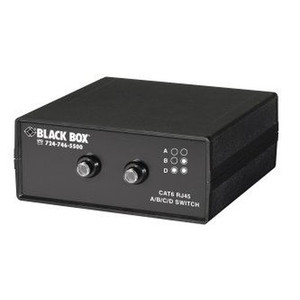
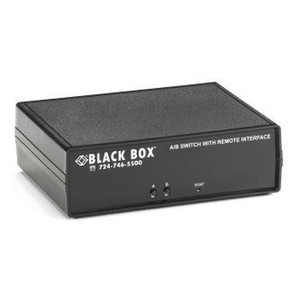
Black Box SW1030A 2-Port 10G Ethernet Manual Switch
Overview
The Black Box SW1030A is a manual, unmanaged 2-port Ethernet switch designed for network segmentation or isolating specific devices. It allows you to switch between two RJ45 Cat6 Ethernet connections without requiring power. This device is ideal for scenarios where you need to quickly disconnect one network segment or device and connect another, such as testing different network configurations or isolating a sensitive device from the main network. Its compact, desktop form factor means it takes up minimal space on a workbench or in a small deployment.
Compatibility
This switch is compatible with any standard RJ45 Ethernet connection operating at speeds up to 10 Gigabit Ethernet. It functions with any network device that uses an RJ45 port, including servers, workstations, network attached storage (NAS) devices, and other network appliances. Because it is a passive, manual switch, it does not rely on specific operating system drivers or network protocols, ensuring broad compatibility across various hardware platforms and network infrastructures. It is suitable for use with Cat6 or higher-rated Ethernet cabling to support 10Gbps speeds.
Installation Notes
Installation is straightforward: connect your primary network source (e.g., from your router or switch) to one of the RJ45 ports, and connect the two devices or network segments you wish to switch between to the remaining two ports. Use the physical selector switch on the unit to choose which of the two output connections is active. Ensure that Cat6 or better Ethernet cables are used for connections to achieve 10 Gigabit speeds. The unit is designed for indoor, desktop use only and is not rated for environmental extremes.
What's in the Box
- 1x Black Box SW1030A Manual Ethernet Switch