
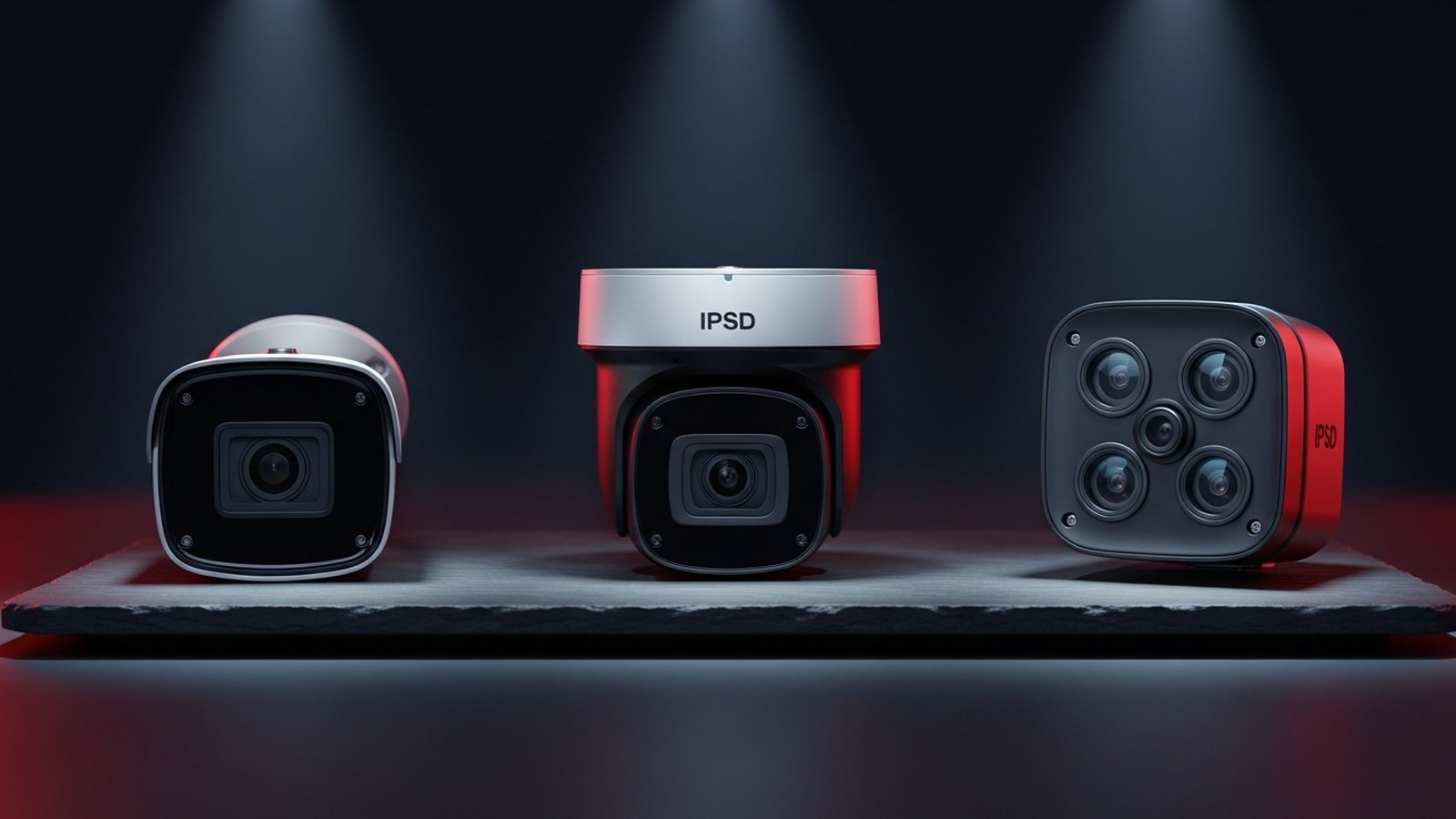
4MP vs 8MP vs Multi-Sensor: Choosing the Right Resolution for Your Camera System
Resolution is the most misunderstood spec in commercial surveillance. Higher megapixels sound better on the data sheet, but they consume more bandwidth, more storage, and only help if you actually need the extra detail at the target distance. This guide compares 4MP, 8MP, and 4x4MP multi-sensor cameras on the metrics that actually matter: pixel density, bandwidth, storage, and total cost of ownership — so you can match the right resolution to each zone instead of defaulting to 'more is better.'
In This Guide
Pixel Density: What Resolution Actually Does
Resolution matters only to the extent that it translates to pixel density on the target. Pixel density (pixels per foot, PPF) is what determines whether you can identify a face, recognize a logo, or read a license plate. The calculation is simple: camera horizontal resolution divided by the horizontal coverage width at the target distance.
A 4MP camera (2688 pixels horizontal) with a 35-degree horizontal field of view, at a 30 ft target distance, covers about 18 ft of width and delivers 150 PPF — well above face-identification quality. An 8MP camera (3840 pixels horizontal) at the same settings delivers 213 PPF or can alternatively cover 26 ft of width at 150 PPF. The 8MP camera is not 'better image quality' — it is 'more coverage at the same quality' or 'the same coverage at higher quality.'
The DORI standard (Detect, Observe, Recognize, Identify) gives the standard thresholds: 25 PPF for detection, 63 PPF for observation, 125 PPF for recognition, 250 PPF for identification. For commercial security, 100 to 125 PPF is usually the target for zones where you need to identify specific individuals, and 40 to 60 PPF is sufficient for activity monitoring.
When 4MP Is Enough
4MP is the workhorse resolution for most commercial surveillance, and we specify it for the majority of positions on most sites. It hits identification quality at typical dome mounting distances (10 to 30 ft from target), has excellent low-light performance on modern sensors, and keeps bandwidth and storage reasonable.
Loading docks, aisle runs, cage areas: 4MP with an appropriate lens (2.8 to 8mm depending on distance) delivers 80 to 150 PPF at 10 to 25 ft target distance. Upgrading to 8MP does not add useful detail at these distances.
Employee entrances and dock customer-facing positions: 4MP at 8 to 12 ft mounting height is the standard. Face identification is excellent at 10 to 15 ft from the lens.
Interior showroom and office coverage: 4MP dome with 2.8mm or 4mm lens covers 25 to 40 ft wide at activity density. 8MP buys nothing here except higher bandwidth.
For a typical 40-camera commercial site, 28 to 32 of those cameras are probably best as 4MP. Reserve higher resolution for the specific zones where it matters.
When to Step Up to 8MP
8MP (also marketed as 4K) is the right choice when you need the extra reach of the sensor — that is, identification-quality pixel density at distances where 4MP would drop into activity-only coverage.
Long parking lot coverage: 8MP bullet with 5 to 50mm varifocal at 20 ft pole height reaches 100+ PPF at 60 to 80 ft downrange. A 4MP camera at the same lens setting drops to 60 PPF at 60 ft.
Large retail floors and open warehouses: If you need identification-quality coverage across a 40+ ft span from a single camera, 8MP makes it feasible with a wider FOV. 4MP at the same coverage width is activity-only.
LPR supplementary cameras: For plate capture at a wider angle (approach lane rather than a dedicated LPR lane), 8MP provides enough pixel count to read plates reliably across multiple parking spots. Dedicated LPR is still the right tool for gate lanes, but 8MP supplements work for informal plate coverage in adjacent areas.
Wide showroom and lobby positions: One 8MP dome at the center of a 30x40 ft showroom gives you identification-quality coverage of the whole space. Two 4MP domes would cover the same area at similar density with more network channels and more cable runs.
When Multi-Sensor Wins
Multi-sensor cameras (4x4MP or 4x8MP in a single housing) cover four different directions from a single mounting position. They win in geometry problems that single-sensor cameras cannot solve economically.
Four-way intersections in warehouses and corporate campuses: One 4x4MP at the intersection replaces four fixed domes. Fewer cable runs, fewer PoE ports, cleaner ceiling aesthetic, identification density on each of four directions. The single-housing cost is higher than one 4MP, but lower than four 4MPs including install.
Parking lot corners: 4x4MP at an outdoor corner covers perimeter fence to the left, perimeter fence to the right, interior of the lot, and any adjacent building corner from one pole position. Single-sensor replacement requires three poles for the same coverage.
Retail entrances and lobby pinch points: A 4x4MP above the main entrance covers entrance, interior lobby, checkout line, and back of store simultaneously. Often replaces 3 to 4 single-sensor cameras at the same visual-density spec.
Multi-sensor cameras consume 4 VMS channels per physical unit. Budget VMS licensing and NVR processing accordingly — a 60-camera deployment with 10 multi-sensor units is really a 96-channel system.
Storage and Bandwidth Impact
Higher resolution consumes more bandwidth and storage. With H.265+ compression at 15 fps continuous recording:
4MP: 4 to 8 GB per camera per day (scene-dependent). 60 cameras at 6 GB avg = 360 GB/day = 32 TB for 90 days.
8MP: 8 to 16 GB per camera per day. 60 cameras at 12 GB avg = 720 GB/day = 65 TB for 90 days. Essentially doubles storage cost vs. 4MP.
4x4MP multi-sensor: 14 to 28 GB per camera per day (4 sensors). 10 multi-sensor units plus 50 fixed 4MP = ~500 GB/day = 45 TB for 90 days.
For a 60-camera deployment targeting 90-day retention, the NVR and VMS licensing cost delta between all-4MP and all-8MP can easily exceed $8,000 to $15,000 just in storage hardware. Use resolution strategically: 4MP by default, 8MP where you need the reach, multi-sensor at specific geometry points.
Side-by-Side Comparison
Compared on the specs that drive per-zone resolution decisions.
| Attribute | 4MP | 8MP (4K) | 4x4MP Multi-Sensor | Best For |
|---|---|---|---|---|
| Horizontal pixels | 2688 | 3840 | 4 x 2688 | Same at close distance |
| ID-quality range @ 35° FOV | ~20 ft | ~30 ft | ~20 ft each direction | 8MP for reach |
| Bandwidth @ H.265+, 15 fps | 4 to 8 Mbps | 8 to 16 Mbps | 12 to 24 Mbps total | 4MP lowest |
| Storage @ 90 days | ~450 GB to 900 GB | ~900 GB to 1.8 TB | ~1.3 to 2.6 TB | 4MP lowest |
| Typical cost per camera | $250 to $650 | $450 to $950 | $1,800 to $3,800 | 4MP lowest |
| VMS channels consumed | 1 | 1 | 4 | 4MP/8MP lowest |
| Low-light performance | Strong on modern sensors | Strong but smaller pixels | Strong (per sensor) | 4MP often edge |
| Best use | Docks, aisles, entrances, showrooms | Long parking, wide retail, supplementary LPR | 4-way intersections, corners | Zone-dependent |
Frequently Asked Questions
Is more resolution always better?
No. More resolution only helps if you need more pixel density at the target distance or more coverage area at the same density. For close-range applications (under 20 ft target distance), 4MP and 8MP often deliver identical usable footage. The 8MP camera costs more, consumes more storage, and provides no better identification. Specify higher resolution only where the coverage math shows it pays off.
Do 8MP cameras have worse low-light performance than 4MP?
Slightly, on the same sensor size. 8MP on a 1/2.8" sensor has smaller individual pixels than 4MP on the same sensor, which affects low-light signal-to-noise. Many 8MP cameras compensate with larger sensors (1/1.8" is common), which closes the gap. If low-light is critical, verify the specific model's low-light spec rather than assuming 4MP always wins.
How do I calculate pixel density for a planned position?
Formula: PPF = (horizontal pixels) ÷ (horizontal coverage width in feet at target distance). Horizontal coverage width = 2 × target distance × tan(HFOV ÷ 2). HFOV depends on the camera's lens focal length and sensor size. Our Lens and Coverage Geometry Guide has worked examples and a calculator. Plan for 100+ PPF for identification zones, 40 to 60 PPF for activity zones.
Does H.265 compression change the resolution decision?
It makes higher resolution more feasible but does not change the fundamental pixel-density math. H.265+ cuts bandwidth and storage by 40 to 50 percent vs. H.264, which means 8MP under H.265+ is similar in storage load to 4MP under H.264. Modern deployments use H.265+ universally. See our H.265 vs H.264 comparison for detail.
Can I upgrade later from 4MP to 8MP?
Yes, but it is a per-camera swap. The NVR, VMS, and cable runs usually carry forward. Budget the camera-swap cost plus any required VMS license upgrade. For new installations, oversize the NVR slightly (20 to 30 percent storage overhead) to accommodate later resolution upgrades without replacing the recorder.
What about 12MP and 20MP cameras?
Useful in niche applications: very wide indoor coverage where one camera replaces 3 to 4 traditional cameras, or fisheye with high de-warped density. For most commercial surveillance, 12MP+ resolution is overkill at standard mounting distances. Focus on matching 4MP to 8MP to multi-sensor against actual zones before going higher.
How does resolution affect PoE budgeting?
Slightly. Higher-resolution cameras draw more power (10 to 15W for 4MP, 12 to 18W for 8MP, 20 to 30W for multi-sensor). Plan PoE+ (802.3at, 30W) for 8MP and PoE++ (802.3bt, 60W or 90W) for multi-sensor with IR and heaters. Use our PoE Power Budget Calculator for full-system PoE planning.
Get a Second Opinion on Your Camera Choice
Share your site layout, coverage goals, and budget. Our team will validate the camera selection, flag anything we would change, and recommend products that match the use case.