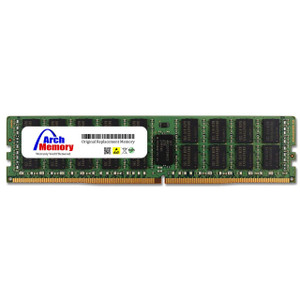
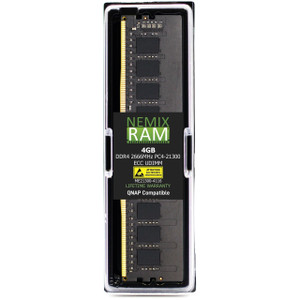
QNAP RAM-4GDR4ECI0-RD-2666 4GB DDR4 ECC Registered DIMM
Overview
The RAM-4GDR4ECI0-RD-2666 is a 4GB DDR4 ECC Registered DIMM running at 2666MHz, designed for QNAP NAS systems that require registered memory. ECC (Error-Correcting Code) memory detects and corrects single-bit memory errors in real time — a meaningful safeguard in always-on NAS environments where silent data corruption is a genuine operational risk. The registered (RDIMM) topology reduces electrical load on the memory controller, enabling stable multi-DIMM configurations in higher-capacity builds. If you're expanding memory on a QNAP NAS that ships with or qualifies for ECC RDIMM support, this module is the purpose-matched upgrade path rather than a generic market alternative.
Compatibility
This module is engineered specifically for QNAP NAS systems that support DDR4 ECC Registered DIMMs at 2666MHz. Registered DIMMs are not interchangeable with unbuffered (UDIMM) slots — verify your QNAP model's memory specification before ordering. Compatible systems are typically found within QNAP's enterprise and workstation-class NAS enclosures that include a memory controller capable of handling registered memory. Consult the QNAP memory compatibility list for your specific chassis model to confirm slot type, maximum supported capacity per slot, and total installed memory ceiling before adding modules. Mixing RDIMM and UDIMM in the same system is not supported.
Installation Notes
Power down and unplug the NAS before handling memory modules — RDIMMs are sensitive to static discharge. Ground yourself using an anti-static wrist strap before touching the module. Seat the DIMM firmly and evenly until both retention clips engage. After installation, the NAS should detect the new capacity automatically on next boot; verify recognition through the QNAP system information panel. Do not mix DDR4 speeds across slots if your platform requires matched pairs — consult the chassis documentation for population rules.