
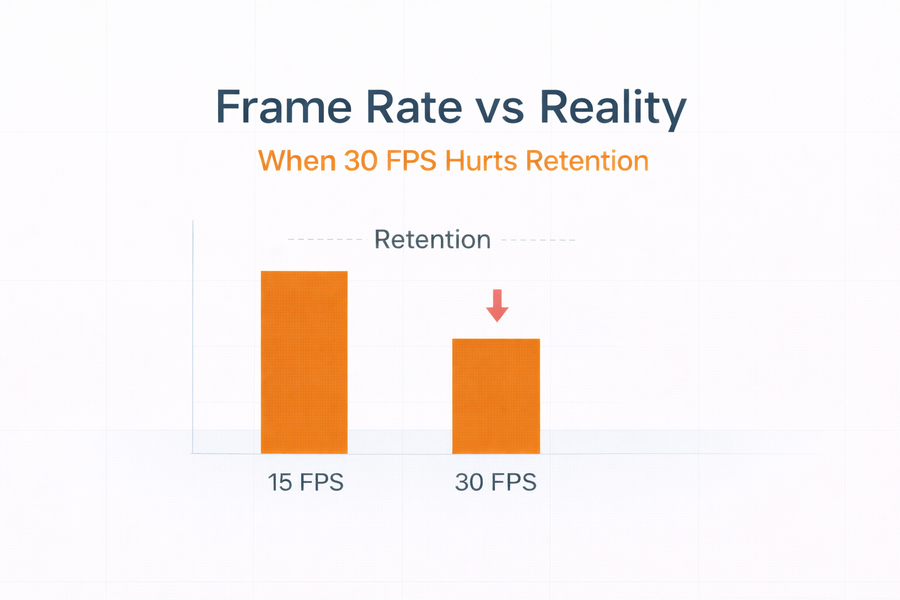
Frame Rate vs. Reality: When 30 FPS Makes Your System Worse
Higher frame rate feels safer. It sounds more detailed. More “professional.” But in real surveillance deployments, 30 FPS often does more damage than good.
- Higher FPS increases bitrate almost linearly.
- Higher bitrate reduces retention if storage is fixed.
- Most identification use cases do not require 30 FPS.
- Strategic FPS planning improves both quality and retention.
What Frame Rate Actually Does
Frame rate (frames per second) determines how many images are recorded per second. If everything else remains equal, doubling FPS roughly doubles bitrate.
That means:
- 15 FPS → X Mbps
- 30 FPS → ~2X Mbps
If storage is fixed, doubling bitrate cuts retention in half.
This is where deployments quietly fail.
When 30 FPS Is Actually Necessary
- High-speed vehicle capture (specific LPR applications)
- Critical cash handling with rapid hand movement
- Forensic-level motion review requirements
Outside of these, 15–20 FPS is sufficient for:
- Entrances
- Interior hallways
- Office areas
- Warehouses
- Perimeter monitoring
Identification depends more on pixel density and shutter behavior than raw FPS.
Quick Impact Calculator: 15 FPS vs 30 FPS
Use this to see how frame rate impacts retention when storage stays constant.
The Smarter Approach: Tiered Frame Rates
- Tier 1 (Entrances / Critical zones): 20–30 FPS if justified
- Tier 2 (General interior): 15–20 FPS
- Tier 3 (Context / Perimeter): 10–15 FPS
This approach improves:
- Retention stability
- Bandwidth efficiency
- Storage predictability
- System longevity
Where Frame Rate Fits in a Deployment Program
- Commercial Surveillance Solutions
- Education and Campus Security Systems
- Data Center Security Systems
If you want, send your camera count and retention target. We’ll show you where FPS is quietly reducing your effective storage.